Lighting design decisions happen fast, but the consequences last for years. Real-time lighting calculations let you see exactly how your design performs before a single fixture gets installed.
At OpenLumen, we’ve seen how instant feedback transforms the entire design process. You catch problems early, clients see results immediately, and projects move forward without costly revisions.
Why Real-Time Calculations Save Time and Money
Traditional lighting design workflows force you to wait. You place fixtures, run calculations overnight, review results the next day, spot problems, adjust placements, and calculate again. A single project iteration consumes 24 to 48 hours. Real-time calculations eliminate this dead time entirely. The moment you adjust a fixture position, change its wattage, or swap in a different luminaire, you see the updated illuminance distribution instantly.
This speed matters because design revisions happen constantly-clients request changes, site conditions shift, or codes require adjustments. With instant feedback, you handle these changes in minutes instead of days. Calculations run the moment you need them, in your browser, without waiting for background processes or software updates.
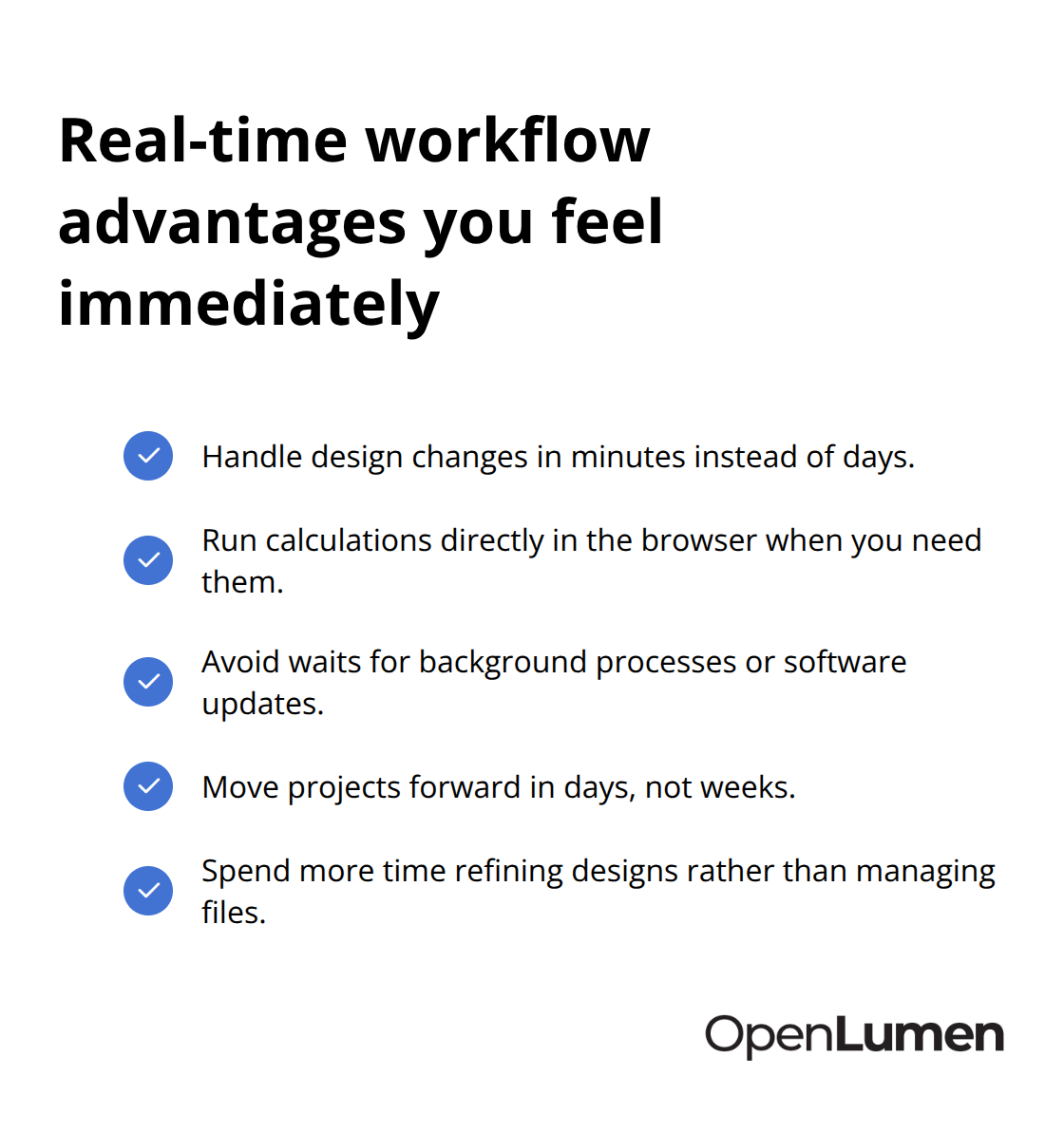
Projects that used to take two weeks move forward in days, and your team spends more time refining designs instead of managing file transfers and calculation queues.
Spotting Problems Before Installation Costs Mount
Real-time analysis reveals lighting failures the moment they occur. You see exactly where a space falls below minimum illuminance levels, where glare hotspots form, or where fixtures overlap unnecessarily and waste energy. Industrial warehouses provide a clear example: if your initial layout leaves loading dock areas under 50 lux, you catch it immediately and adjust fixture placement or wattage without ordering equipment.
Retail spaces demand even tighter control-dark corners kill sales, and over-lit zones waste energy and create visual discomfort. When you visualize these problems in seconds, you avoid the cost of installing fixtures, discovering the problem during a walk-through, and then paying for removal and reinstallation. Professional photometric data matters here: using real luminaire files from manufacturer specs means your calculations match actual performance, not guesses. This accuracy prevents the scenario where your design looks good on paper but fails in reality.
Contractors and distributors especially benefit because they validate designs before quoting installation labor, protecting margins and reputation.
Clients See Results Immediately
Clients struggle to visualize lighting from spreadsheets and technical drawings. Real-time visualization changes that dynamic. When you show a client exactly how their retail showroom, warehouse floor, or parking lot will look under your proposed lighting scheme, objections dissolve faster. They see illuminance levels, understand where shadows fall, and grasp why you specified certain fixture types.
This visual confidence shortens sales cycles and reduces post-installation complaints. Property owners make faster decisions when they understand the outcome, and architects gain the data they need to sign off on designs without endless back-and-forth rounds. With this foundation in place, understanding how real-time illuminance analysis actually works becomes your next advantage.
How Real-Time Illuminance Analysis Works
Real-time calculations start with photometric data-the actual light output characteristics of each luminaire you place. Professional lighting design depends on manufacturer-provided IES files, which contain polar diagrams showing how a fixture distributes light in all directions. Without this data, you’re guessing. With it, your calculations match what actually happens on site.
When you place a fixture in a browser-based platform, the software reads this photometric information and immediately computes illuminance at hundreds or thousands of measurement points across your space. Illuminance, measured in lux, tells you the actual light intensity hitting a surface at ground level, on a wall, or wherever your design requires specific brightness. The calculation accounts for fixture position, aiming angle, wattage, and the reflectance properties of surrounding surfaces-ceilings, walls, floors.
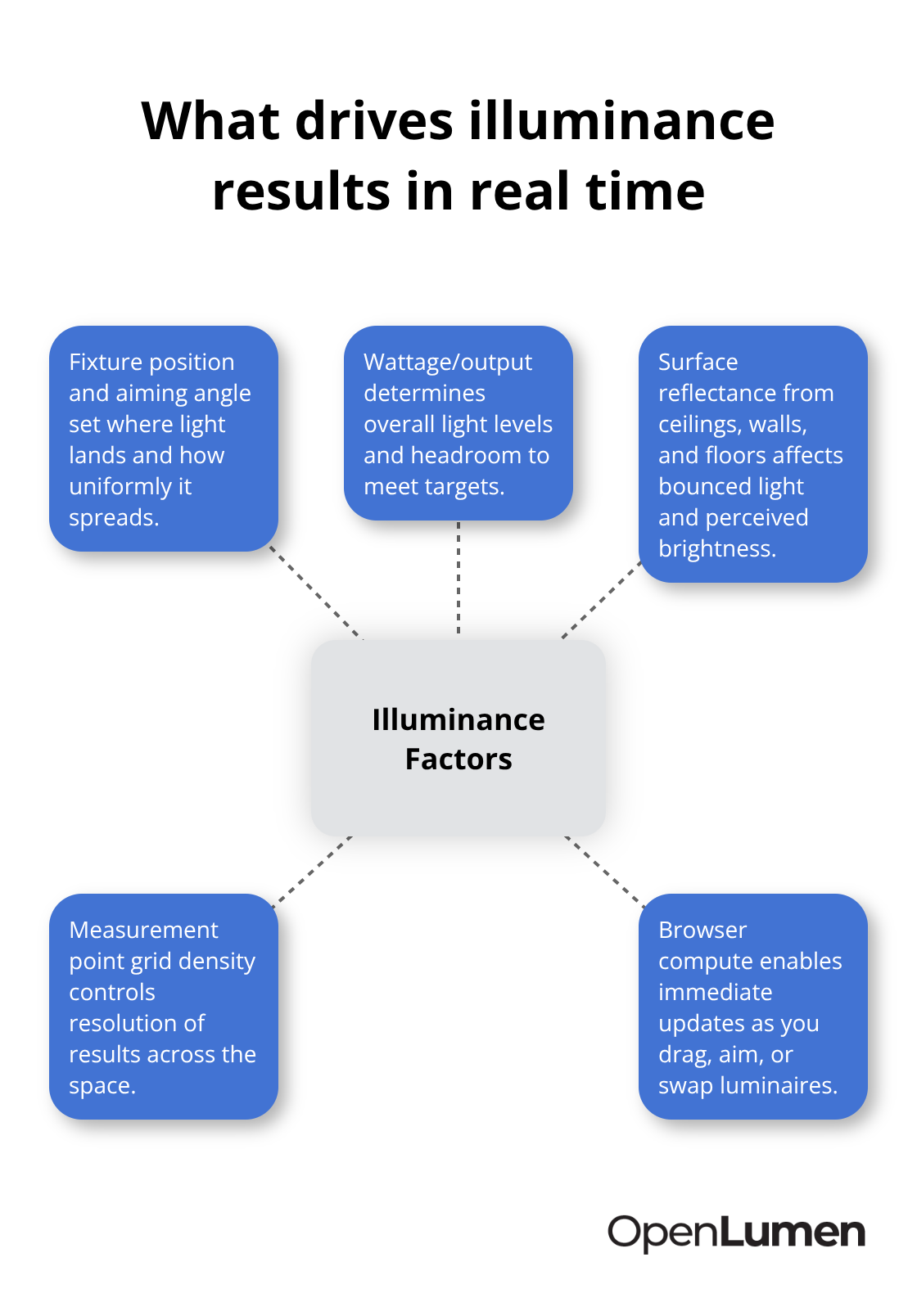
This happens instantly because modern browsers handle the computational load without waiting for server-side processing. You adjust a fixture position by dragging it on your floor plan, and the illuminance values update in real time. This immediate feedback transforms design decisions from theoretical exercises into practical validation. Industrial facilities benefit enormously here: a warehouse manager sees within seconds whether a relocated fixture still meets the minimum 200 lux requirement for loading areas, or whether it now creates a dark zone that violates safety codes. Retail designers verify that a corner previously showing 300 lux now reaches 400 lux after swapping to a higher-output luminaire, confirming the space meets brand standards without trial and error on site.
Your Measurement Grid Reveals Problem Areas
Your measurement points form a grid across the space, typically spaced 1 to 2 meters apart for interiors or 5 to 10 meters apart for outdoor areas. Denser grids catch problems like uneven lighting or dark pockets, but they also require more processing power. The software calculates illuminance at each point and displays results as a colored heatmap-red for over-lit zones, blue for under-lit areas, green for compliant regions. This visual representation beats spreadsheets entirely.
A contractor reviewing a parking lot design immediately sees whether the lighting meets EN 13201 road lighting standards across all lanes, or whether one section falls short. Most browser platforms let you adjust grid density on the fly, so you start with a coarse grid for quick decisions, then zoom into critical areas with finer resolution before finalizing the design.
Reading Results Against Your Project Standards
Once calculations run, you read the results in context of your project requirements. An emergency lighting design must show minimum 1 lux along all escape routes per EN 1838. A sports facility must deliver 500 to 1000 lux depending on competition level and camera requirements per EN 12193. A retail showroom typically targets 500 lux in merchandise areas. The heatmap shows whether you meet these targets, and the numerical data lets you verify compliance precisely.
Making Adjustments That Stick
If a zone falls short, you have three immediate options: increase fixture wattage, add another fixture, or reposition existing fixtures for better coverage. Each adjustment recalculates instantly, showing you the outcome before you commit. This speed eliminates the old workflow where you’d make a change, submit files for overnight calculation, discover the result was wrong, and start over.
Real designers now refine a layout five or ten times in an hour, converging on an optimal solution that meets performance targets, respects the budget, and looks right visually. The confidence this brings to both the designer and the client fundamentally changes how projects move forward. With your calculations validated and your design locked in, the next step involves applying these principles across different project types-each with its own performance demands and client expectations.
Practical Applications Across Lighting Projects
Retail Spaces Demand Precision That Real-Time Analysis Delivers
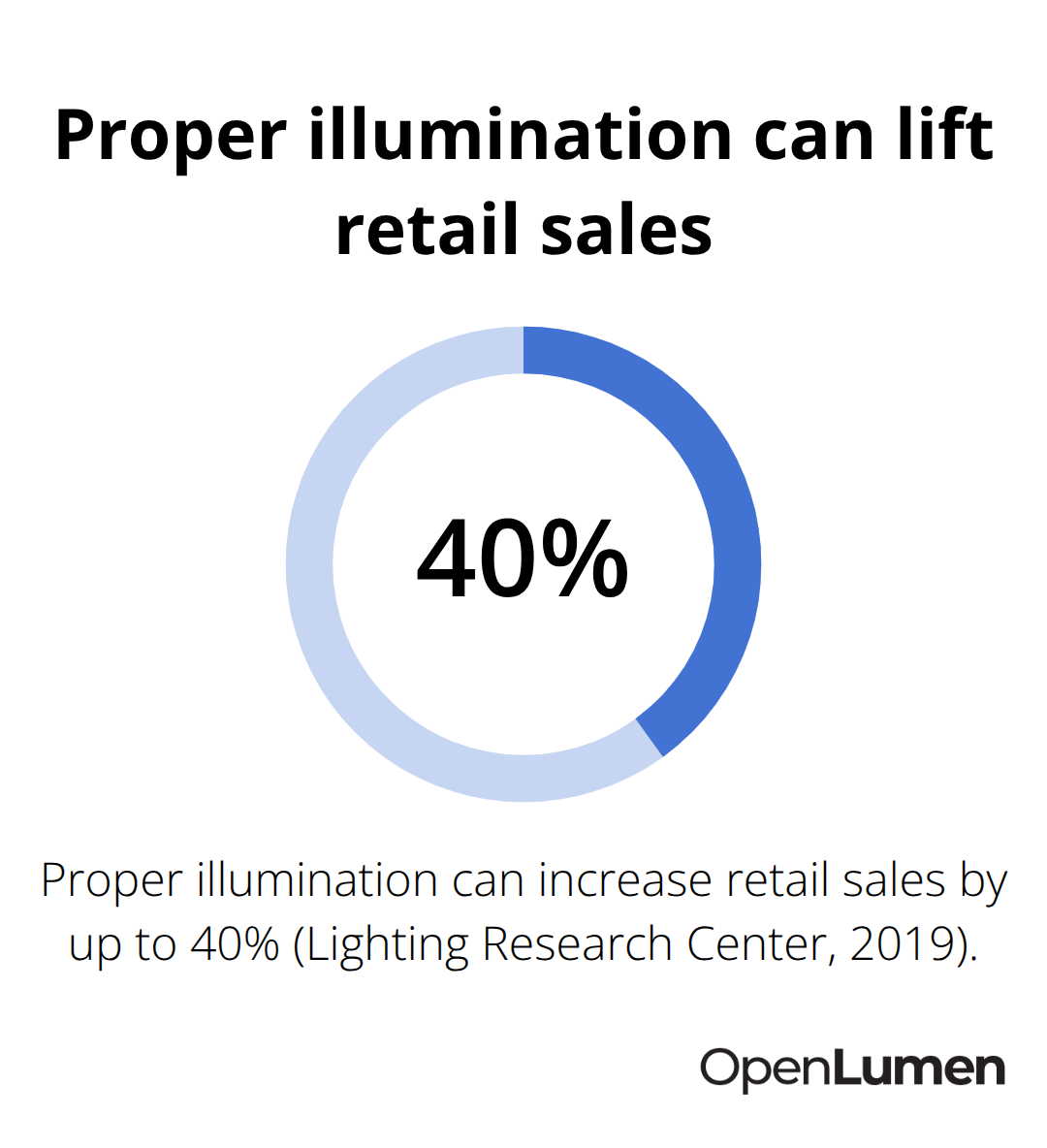
Retail spaces demand absolute precision because lighting directly affects sales. A 2019 study by the Lighting Research Center found that proper illumination increases retail sales by up to 40 percent, yet most retail designers still rely on static calculations or worse, guesswork.
Real-time analysis changes this entirely. When you design a clothing boutique, you need 500 to 750 lux on merchandise displays to showcase colors accurately, but only 200 to 300 lux in circulation areas to avoid fatigue. With instant calculations, you see exactly where your fixtures create these zones.
If a corner of your showroom drops to 280 lux when you need 500, you catch it immediately and either add a fixture or reposition existing ones. Clients see the heatmap and understand why you specified a particular luminaire type or wattage. They stop questioning your recommendations because the data proves the outcome. For distributors, this capability closes sales faster because property owners can visualize their investment before committing budget.
Industrial Warehouses Require Verification Before Installation
Industrial warehouses present different demands but equally critical ones. Loading docks typically require minimum 200 lux according to EN 12193 standards, while general warehouse floors need 150 lux. A single miscalculation means workers struggle with visibility, accidents increase, and you face liability. Real-time calculations let you verify that your fixture layout actually delivers these minimums across the entire space, accounting for rack heights, obstructions, and reflectance of concrete floors and metal shelving.
If your initial design shows a 50-lux shortfall in one section, you adjust immediately rather than discovering the problem during installation when it costs thousands to rewire or add fixtures. This verification step protects both worker safety and your project margins.
Outdoor and Architectural Lighting Requires Uniformity Control
Outdoor and architectural lighting requires different thinking entirely. A parking lot designed to EN 13201 standards must deliver uniform illumination across all lanes without creating glare or dark pockets that invite crime. Real-time calculations show you the exact uniformity ratio-the relationship between average and minimum illuminance-which directly determines whether your design meets code. A parking area with 20 lux average and 5 lux minimum fails because the uniformity ratio is 4:1, exceeding the typical 3:1 requirement.
With instant feedback, you adjust fixture spacing or wattage and recalculate in seconds. Architectural lighting for building facades or landscape features benefits enormously from real-time visualization because these projects are visible 24 hours a day and mistakes are immediately obvious to everyone. A facade that looks well-lit in your calculations might create harsh shadows or uneven brightness when you see the actual heatmap. Real-time analysis lets you refine the design on screen before installation.
Building Client Confidence Through Photometric Validation
Contractors working on these projects gain enormous credibility by showing clients exactly what the finished result will look like, with photometric validation proving the design meets both aesthetic and performance goals. This confidence accelerates approvals and reduces post-installation change requests that eat into margins.
Final Thoughts
Real-time lighting calculations have transformed how professionals approach design work. The speed, accuracy, and visual feedback from instant analysis eliminate the guesswork that plagued traditional workflows. You no longer wait days for results or discover problems after installation costs mount-instead, you validate designs in minutes, adjust with confidence, and move projects forward without costly revisions.
This shift matters across every project type because it builds confidence at every stage. Retail designers close sales faster when clients see exactly how their spaces will look. Warehouse managers verify safety compliance before workers arrive. Contractors protect margins by validating designs before quoting labor. Distributors gain credibility by showing photometric proof that designs meet performance standards. When you can demonstrate that your lighting design actually works, objections disappear and approvals accelerate.
Start your next project with real-time lighting calculations from day one. Place your fixtures, run calculations, review the heatmap, and adjust until results meet your standards. You’ll immediately feel the difference in speed and confidence, and your clients will experience faster approvals and fewer surprises.
The information provided is for general educational purposes only and should not be considered professional engineering or lighting design advice. Always verify project requirements, local codes, and specifications with qualified professionals before making final decisions.