
Picking the wrong photometric data format wastes time and creates compatibility headaches across your team. The format you choose affects how easily your software reads the data, how collaborators access it, and whether you capture all the detail your project needs.
At OpenLumen, we’ve seen teams struggle with format mismatches that could have been avoided with the right upfront decision. This guide walks you through the major photometric data formats options so you can pick what actually works for your workflow.
What Photometric Data Actually Represents
Photometric data measures how light distributes from a luminaire in three-dimensional space. It captures candela values at specific vertical and horizontal angles, showing you exactly where light goes and how intense it is at each point. This matters because a luminaire’s rated lumens tell you total output, but photometric data tells you the shape and direction of that light-information you need to predict illuminance on the ground, avoid glare, and verify your design meets code. The IES standard LM-63-1991 established the most common format in North America by defining how these measurements get recorded as ASCII text files with strict field sequences. European projects typically follow EULUMDAT (also called LDT), which captures the same luminous intensity distribution but in a different structure. Both formats have persisted since the 1980s and 1990s because they work across design software, but they’re showing their age when you need spectral data for color-critical applications or melanopic metrics for human-centric lighting.
Where Your Data Comes From Matters Most
The quality of your photometric data depends entirely on how someone measured it. Accredited laboratories using Type C goniophotometers and following EN 13032-1 measurement standards deliver reliable data with documented uncertainty-this is the gold standard. In-house measurements without external validation often produce optimistic values that don’t reflect real-world performance, and theoretical or simulated data shouldn’t be used for professional projects at all. When you request photometric data from a manufacturer, ask for LDT files per luminaire type and variant (not generic single files), IES files for international projects, spectral power distribution curves for color work, and a test report showing which lab performed the measurement and when.
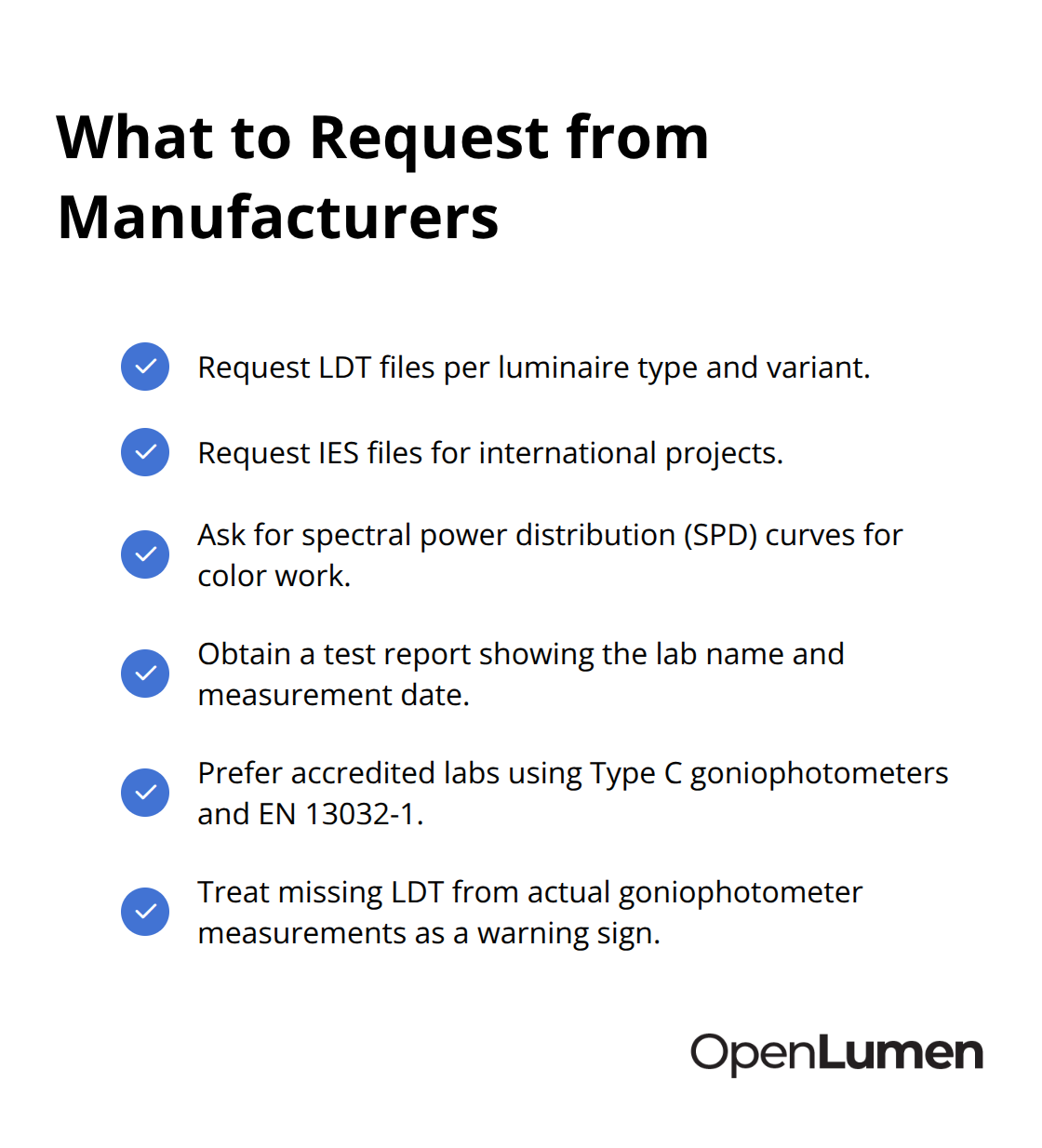
If a manufacturer can’t provide LDT files from actual goniophotometer measurements, that’s a warning sign. The measurement uncertainty and traceability matter more than the file format itself-garbage data in a perfect format is still garbage.
How Format Choice Shapes Your Workflow
IES files dominate North American lighting design because software like AGi32 and Visual Lighting Design were built around them first. You can drag and drop IES files directly into these tools, and they integrate with cloud systems like Instabase, which aggregates photometric data from manufacturers worldwide. LDT files are standard in Europe and work seamlessly with DIALux and Relux; you import them straightforwardly-open your project, select Luminaires > Import luminaire, pick the .ldt file, review the intensity distribution preview, and place it. International projects often require both formats for compatibility across regions and teams. Newer XML-based formats like IES TM-xx are in development to handle color-changing luminaires and spectral data that LM-63 and EULUMDAT struggle with, but adoption is still emerging.
When Standard Formats Fall Short
The practical reality is that most teams today work with IES or LDT depending on geography, but if your project involves color-critical work or you’re designing for human-centric lighting, standard photometric files don’t capture enough detail. You’ll need spectral power distribution curves and CRI/CCT values alongside them. This limitation becomes apparent when you try to specify exact color performance or calculate melanopic effects-the old formats simply weren’t designed for that level of spectral information. Understanding these gaps helps you identify what additional data you actually need before you start your project, which brings us to the real challenge: matching your format choice to your software and team requirements.
IES vs EULUMDAT: Which Format Controls Your Workflow
IES Files Dominate North America for Good Reason
IES files control North American lighting design because AGi32 and Visual Lighting Design were built around the LM-63 standard from the start, making IES the path of least resistance across the continent. If you work with contractors or consultants in the US or Canada, IES becomes non-negotiable. The format succeeds because it stays simple: ASCII text, strict field sequence, candela values organized by vertical and horizontal angles. You can drag and drop IES files directly into AGi32, and cloud systems like Instabase index thousands of manufacturer luminaires in IES format, so finding comparable products across brands takes minutes instead of hours.
The limitation is real, though. IES files capture only luminous intensity distribution-they exclude spectral power distribution curves or detailed lamp specifications that modern color-critical projects demand. If your team operates entirely within North America and you avoid color-specification work, IES solves your problem. Stop overthinking it.
EULUMDAT (LDT Format) Rules European Workflows
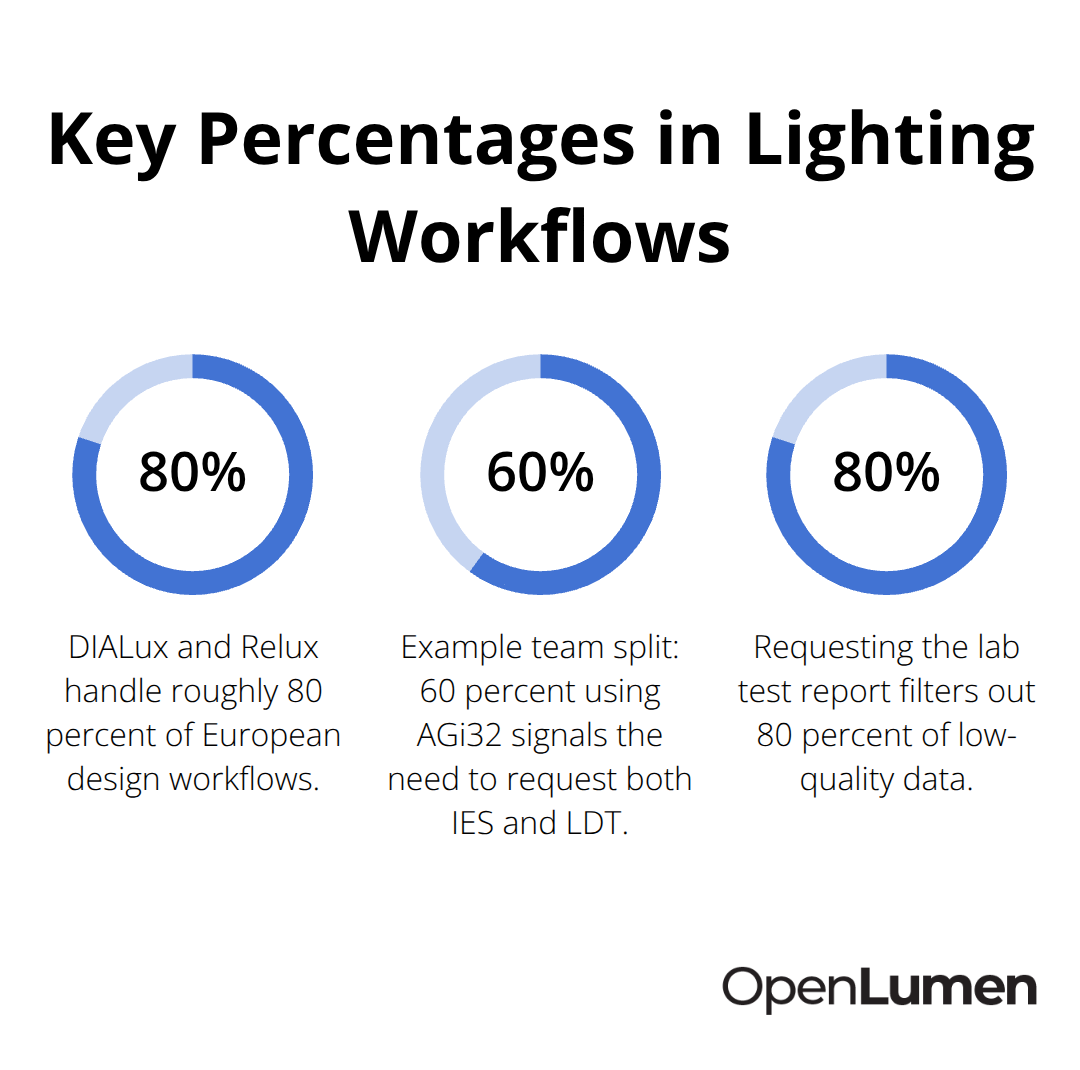
EULUMDAT (LDT format) controls Europe because DIALux and Relux expect it, and those tools handle roughly 80 percent of European design workflows. LDT files contain the same intensity distribution as IES but add structured fields for luminaire geometry, lamp power, total luminous flux, and manufacturer designation-information that matters when you import into BIM workflows or coordinate across international projects.
Importing an LDT file into DIALux works straightforwardly: open your project, navigate to Luminaires > Import luminaire, select the .ldt file, verify the intensity distribution preview looks correct, and place it. European manufacturers provide LDT by default because their design software expects it; requesting IES from a European supplier often triggers confusion.
When Your Project Spans Both Continents
Here’s the practical reality: if your project spans both continents, you need both formats. International tenders frequently require LDT and IES side-by-side for compatibility. Requesting both from manufacturers costs nothing, and having them eliminates format conversion headaches mid-project.
IES TM-xx: The Future Format (Still Emerging)
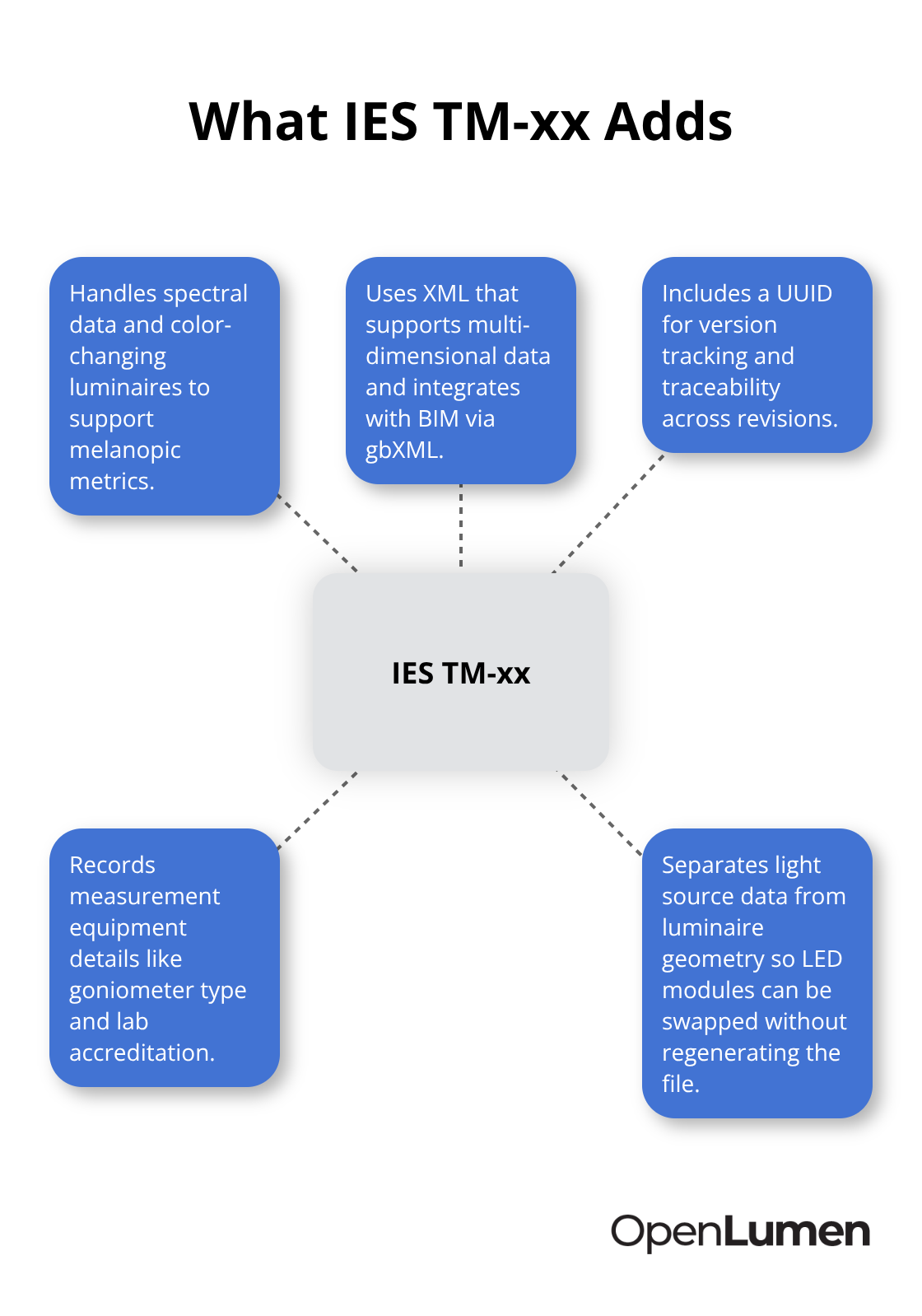
The IES Computer Committee spent years developing IES TM-xx, an XML-based standard designed to replace both LM-63 and EULUMDAT. TM-xx handles spectral data, color-changing luminaires, and melanopic metrics that neither IES nor EULUMDAT can express-features becoming essential as human-centric lighting gains traction.
The format uses XML instead of JSON because compressed XML matches JSON in file size while supporting multi-dimensional data and BIM integration through gbXML workflows. TM-xx includes a UUID for version tracking and traceability, records the measurement equipment used (goniometer type, lab accreditation), and separates light source data from luminaire geometry, allowing you to swap LED modules without regenerating the entire file.
For now, TM-xx remains emerging; you won’t encounter it in production projects unless you work with cutting-edge manufacturers or research institutions. The practical move is to request LDT and IES from every manufacturer today and verify test reports show accredited lab measurement with documented uncertainty. As color and spectral requirements become standard project demands, TM-xx adoption will accelerate-and when it does, your team needs to understand what data it captures and why that matters for your next generation of lighting designs.
Matching Your Format to Your Tools and Team
Start with your software, not with theory. If you use AGi32 or Visual Lighting Design, IES is mandatory-these tools were built around the LM-63 standard and expect .ies files. If you work in DIALux or Relux, LDT is equally mandatory. This isn’t a preference; it’s how the software operates. Trying to force IES into DIALux or LDT into AGi32 creates friction that wastes hours. The practical move is to audit what your team actually runs today. Count how many people use each tool, how often they switch between projects, and whether consultants or contractors bring their own software preferences. If your core team splits 60 percent AGi32 and 40 percent DIALux, request both IES and LDT from manufacturers and stop the format negotiation before it starts. International projects demand this anyway-European consultants won’t accept IES-only data, and North American contractors expect IES. Manufacturers know this. When you request photometric data, ask explicitly for LDT per luminaire type and variant, plus IES for international use. If they push back or say they only provide one format, find a different manufacturer. Quality suppliers provide both because they understand real-world workflows.
Where Data Accuracy Determines Your Project Outcome
Data accuracy matters far more than format elegance. A manufacturer’s test report should state which laboratory performed the measurement, what goniophotometer type they used (Type C is standard for North America), and the measurement uncertainty. EN 13032-1 compliance signals rigorous testing; simulated or theoretical data signals risk. Request the test report alongside the photometric files-this single step filters out 80 percent of low-quality data before it enters your project. Color-critical projects demand additional scrutiny. If you specify exact color temperature or CRI requirements, verify the manufacturer provides spectral power distribution curves and documented CCT and CRI values in the datasheet. Standard IES and LDT files don’t capture spectral data, so you’ll need both the photometric file and the SPD curve. For human-centric lighting projects targeting specific melanopic metrics, standard formats become inadequate entirely. IES TM-xx handles this better, but adoption remains limited. Today, the practical workaround involves requesting complete data packages: LDT or IES plus SPD, plus test reports with lab details and measurement date. Data older than two years should trigger a refresh request-LED technology and optics change fast enough that older measurements misrepresent current products.
Collaboration Speed Depends on Format Consistency
Teams that standardize on one format move faster. If your firm standardizes on IES across all projects, everyone knows where to find files, how to import them, and what to expect when they open a design. Switching between IES and LDT mid-project creates confusion-someone forgets the format difference, imports data incorrectly, and your calculations drift without obvious cause. The rule is simple: pick one primary format for your firm and stick with it. Request secondary formats only when external requirements demand them. If you operate primarily in North America, make IES your standard and request LDT only for international work. If you operate primarily in Europe, reverse that priority. Cloud systems index thousands of luminaires in both formats, so finding data in your preferred format takes seconds. Coordinate with your team on where photometric files live-a shared folder, a project management system, or a cloud library. Version control matters. If you update a luminaire’s photometric data mid-project, rename the file with a date or version number so no one accidentally uses outdated data. A simple naming convention like Luminaire_Model_20260619.ies prevents the silent errors that wreck late-stage designs. This discipline costs nothing and saves weeks of troubleshooting.
Final Thoughts
IES and EULUMDAT (LDT) formats serve different geographic workflows, not because one outperforms the other technically. IES dominates North America where AGi32 and Visual Lighting Design expect .ies files; LDT controls Europe where DIALux and Relux demand .ldt files. Both capture luminous intensity distribution through ASCII text organized by vertical and horizontal angles, so your choice depends on your software and geography, not on format superiority. IES TM-xx represents the future by handling spectral data and color-changing luminaires that standard formats cannot express, but adoption remains limited today.
Start your decision with three concrete factors: what software your team actually uses, whether you work internationally, and whether your projects demand spectral or color-critical data. If you operate entirely in North America with AGi32, request IES and move forward. If you work in Europe with DIALux, request LDT. If you span continents or collaborate across regions, request both formats from every manufacturer-this costs nothing and eliminates format friction mid-project. Data quality matters far more than format choice; a test report showing accredited laboratory measurement with documented uncertainty tells you more than the file extension ever will.
Standardize your team on one primary format and maintain version control with dates or version numbers so no one accidentally uses outdated data mid-project. Store files in a shared location everyone can access, and verify data is current within two years. OpenLumen streamlines photometric data formats options by providing a community-verified luminaires library with instant photometric metrics, polar charts, and BUG analysis-eliminating format negotiation entirely and letting your team design, validate, and sell lighting faster.
The information provided is for general educational purposes only and should not be considered professional engineering or lighting design advice. Always verify project requirements, local codes, and specifications with qualified professionals before making final decisions.