Lighting data verification stops costly installation mistakes before they happen. When fixture specs don’t match your design calculations, you waste time and money fixing errors on-site.
At OpenLumen, we’ve seen projects derail because teams skipped verification steps. The good news: a few simple checks catch problems early and keep projects on schedule.
Why Verification Prevents Project Failure
Installation errors cost real money. When a contractor installs fixtures that don’t match your photometric data, you face rework, site visits, and frustrated clients. A single fixture swap on a 50-light project adds 8–12 hours of labor just to correct the mistake. Verification stops these mismatches before anyone climbs a ladder.
Cross-Checking Specs Catches Installation Mistakes
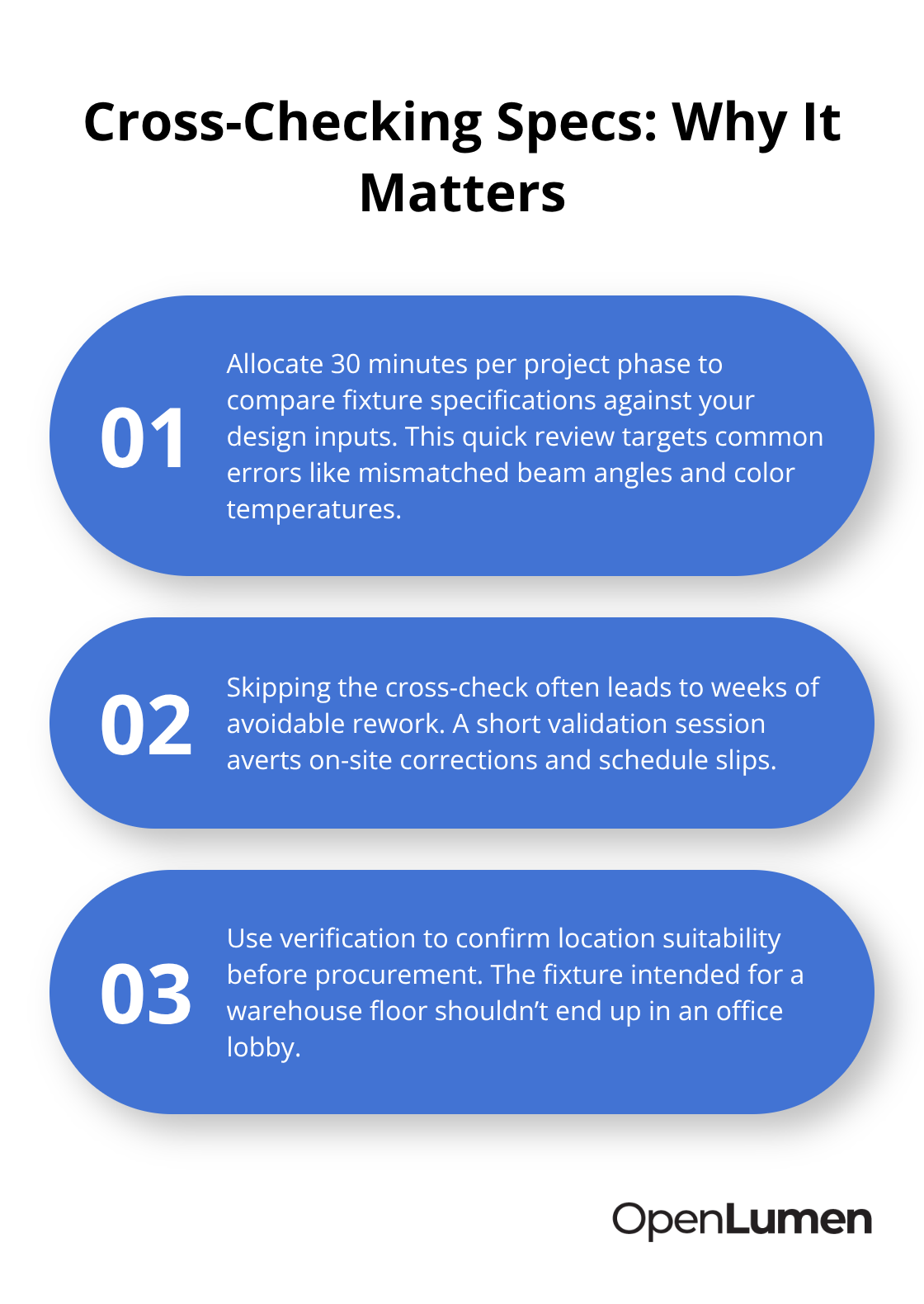
Cross-checking fixture specifications against your design calculations takes 30 minutes per project phase and eliminates the most common installation error: wrong beam angles or color temperatures in the wrong spaces. Teams that skip this step lose weeks to corrections that one afternoon of data validation prevents. The fixture you specified for the warehouse floor won’t work in the office lobby-verification catches that conflict before procurement begins.
The Financial Impact of Poor Data Quality
Poor data quality costs organizations an average of $12.9 million per year, according to Gartner. For lighting projects, that translates to delays during procurement, design revisions after installation starts, and client dissatisfaction that kills repeat business. When you validate illuminance levels across your design areas before submitting specifications to suppliers, you catch calculation errors immediately. Fixture placement verification-checking spacing consistency and confirming that your layout delivers the target illuminance your client expects-takes 45 minutes with the right tools and prevents the scenario where a contractor installs 20 fixtures only to discover halfway through that the spacing doesn’t match the design.
Real-time analysis software lets you spot these issues on screen, not on-site. Teams that automate their verification workflows report 30–40% faster project delivery because they escape email chains with manufacturers clarifying spec conflicts or answering questions about fixture compatibility.
Verification Builds Client Confidence
Clients trust designs backed by data. When you hand over a verification report showing that your photometric layout delivers exactly 500 lux in the workspace and meets color temperature requirements, the client sees confidence, not guesswork. Standardized verification checklists applied consistently across all your projects signal professionalism. Contractors respect clear, verified specs because they know exactly what to install and why.
That confidence translates to fewer change orders, faster approvals, and clients who recommend you to other projects. The next step involves establishing the specific verification processes that turn this confidence into consistent results across every phase of your design.
Verify Your Data Before Specs Leave Your Desk
Start with photometric data from your fixture manufacturer, not assumptions. Pull the LM-63 file and LM-79 electrical data for every luminaire in your design-these standardized formats provide complete information about beam angle, candela distribution, color temperature, and luminous flux. Cross-reference the manufacturer’s published photometric data against what you’ve entered into your design software. A mismatch here cascades through your entire project: if you’ve modeled a 3000K fixture but the spec sheet shows 4100K, your color calculations are wrong and your client receives something unexpected on-site.
Spend 20 minutes per fixture type comparing total luminous flux, center beam intensity, and candela distribution curves against the datasheet. This catches the scenario where you’ve accidentally selected a 50-degree beam angle when the project needs 30 degrees. Once photometric data is locked, validate your illuminance calculations against project targets.
Illuminance Calculations Reveal Hidden Design Errors
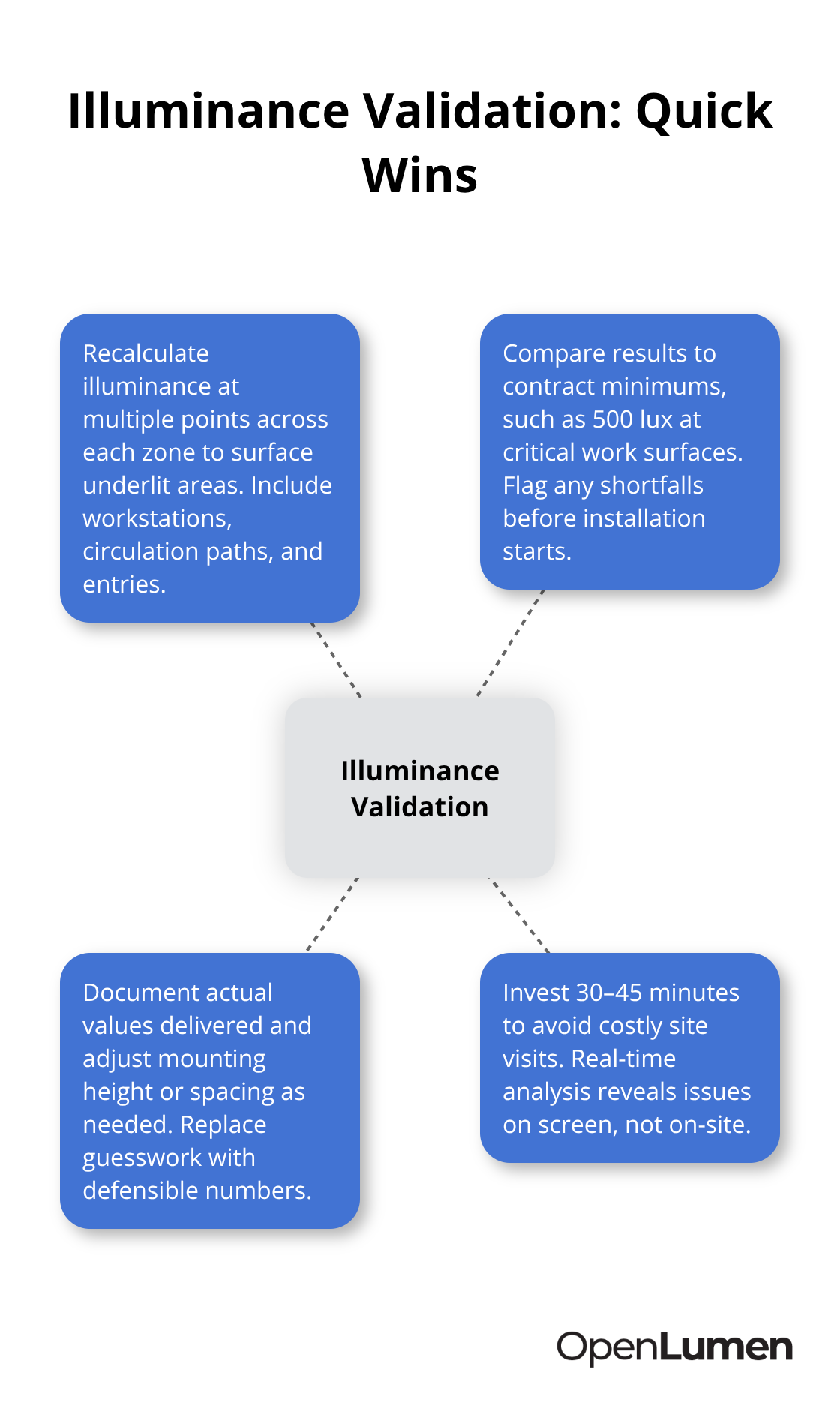
Most design errors live in illuminance validation: you’ve specified 500 lux in the workspace, but your software shows 420 lux at the critical work surface because you didn’t account for mounting height or surface reflectance correctly. Recalculate illuminance at multiple points across each zone-workstations, circulation areas, entry points-and document the actual values you’re delivering. If your client contract specifies 500 lux minimum and you’re hitting 420 at any critical area, you’ve found the problem before installation starts.
This validation step takes 30–45 minutes and prevents the costly site visit where you discover underlit spaces after fixtures are already mounted. Real-time analysis software lets you spot these issues on screen, not on-site. Teams that automate their verification workflows report 30–40% faster project delivery because they escape the scenario where a contractor installs 20 fixtures only to discover halfway through that the illuminance doesn’t match the design.
Spacing Consistency Stops Installation Surprises
Fixture spacing must match your design calculations exactly. If your photometric analysis assumes fixtures are 12 feet apart on center but the contractor installs them 14 feet apart, your illuminance values collapse and you own the problem. Create a placement verification that compares your design layout against the actual fixture coordinates in your BIM model or CAD file. Confirm that row spacing, column spacing, and mounting height all align with your photometric assumptions.
Use real-time analysis software to visualize the layout and run a quick illuminance check on the actual spacing before you send specs to procurement. Teams that automate this comparison catch spacing errors in minutes instead of discovering them during installation. A single fixture placement error across a 50-light project adds 8–12 hours of corrective labor on-site.
Fixture Selection Supports Your Spacing Strategy
The verification also confirms that your fixture selection supports the spacing you’ve designed: a narrow-beam fixture designed for 16-foot spacing won’t deliver uniform light at 10-foot centers, and that conflict needs resolution during design, not during construction. This alignment between beam characteristics and physical layout prevents the expensive rework that occurs when contractors install fixtures that don’t match the photometric assumptions built into your calculations.
With your photometric data locked and your illuminance validated across all zones, the next step involves establishing the specific tools and workflows that turn these verification steps into a repeatable process your entire team can execute consistently.
Tools That Speed Up Verification
Real-time analysis software eliminates the email chains that kill project schedules. Load your fixture layout into analysis software and watch illuminance values update instantly as you adjust spacing or swap fixtures. You catch design conflicts in minutes instead of days. The software shows you exactly where your design falls short of target illuminance, which fixtures create glare hotspots, and whether your color temperature strategy matches the project requirements. Teams using real-time analysis report 30–40% faster project delivery because verification happens during design, not after specs leave your desk.
OpenLumen, a free browser-based platform, lets you build photometric layouts and run instant illuminance checks without expensive subscriptions or steep learning curves. You pull luminaires from its community-verified library, position them on your floor plan, and see polar charts and zonal lumen data immediately. This speed matters because every hour spent chasing missing photometric data or recalculating illuminance by hand is an hour your project sits idle.
Standardized Checklists Lock In Quality Across All Projects
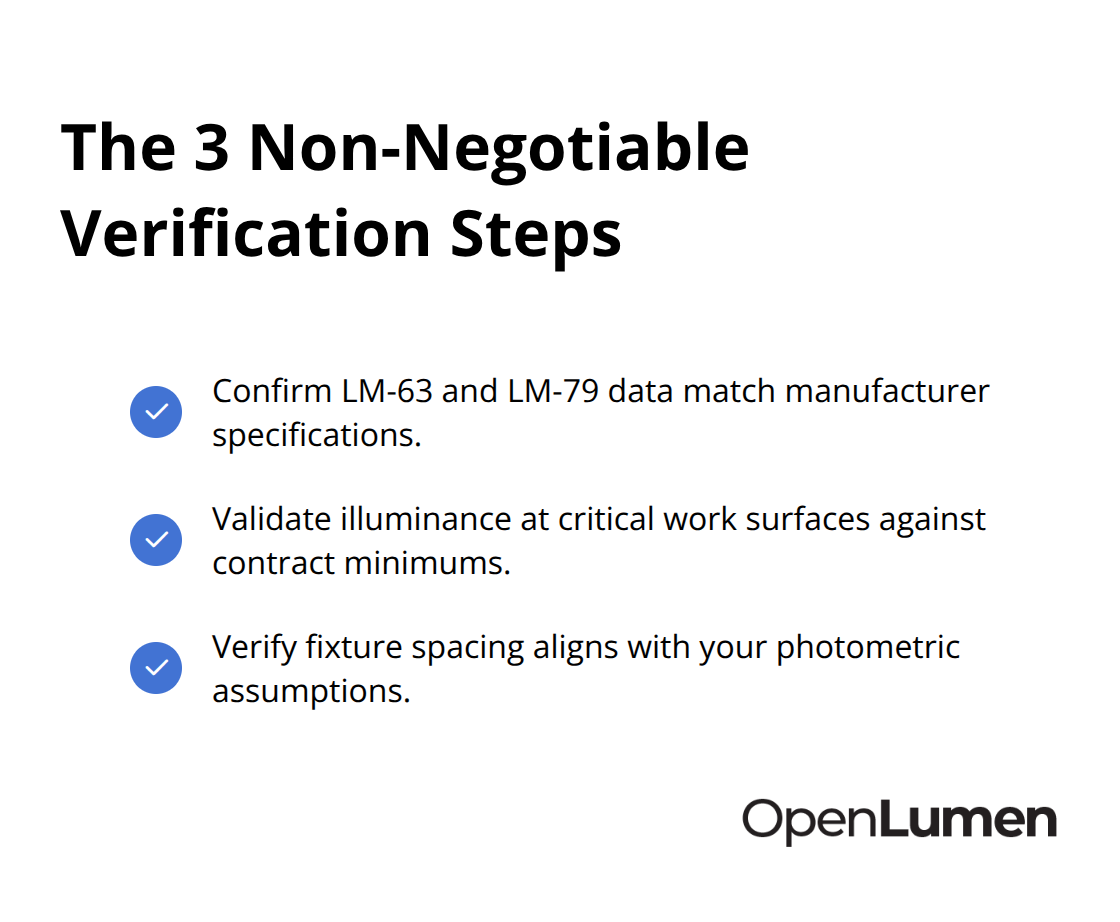
A single verification checklist applied consistently across every project phase prevents the scenario where one team member validates photometric data rigorously while another skips the illuminance cross-check and creates problems downstream. Your checklist should require three non-negotiable steps: confirm LM-63 and LM-79 data match manufacturer specifications, validate illuminance at critical work surfaces against contract minimums, and verify fixture spacing aligns with your photometric assumptions.
Assign ownership to one person per project phase-design, specification, and pre-installation-so accountability stays clear and verification does not slip through gaps between departments. Teams that enforce standardized checklists catch 85–90% of potential installation errors before procurement begins, according to industry data on data quality practices. The checklist also serves as your defense against client disputes: when you hand over documentation showing that every fixture was verified against specs before installation, change orders and scope creep conversations become much shorter.
Automated Reports Turn Verification Into Client Confidence
Report generation software that pulls directly from your analysis tools eliminates manual documentation and the errors that creep in when someone transcribes numbers from spreadsheets into PDF templates. Your software should generate illuminance maps, fixture schedules, photometric summaries, and BUG (Backlight, Uplight, Glare) ratings automatically from your verified design data.
When clients receive a professional report showing illuminance values at specific locations, color temperature confirmation, and beam angle validation, they see thoroughness and competence. Automated reports also create an audit trail: you have timestamped evidence of what was verified and when, which protects you if questions arise after installation. Teams that automate report generation spend 4–6 hours less per project on documentation and hand over cleaner, more consistent deliverables to contractors.
Final Thoughts
Lighting data verification transforms how your team executes projects. The three core practices-cross-checking photometric data against manufacturer specs, validating illuminance across design areas, and confirming fixture placement consistency-catch installation errors before they become expensive site corrections. These steps take hours during design but save weeks of rework and client frustration after installation begins. Poor data quality costs organizations $12.9 million annually on average, and for lighting projects, that translates to procurement delays, mid-installation design changes, and clients who won’t hire you again.
Teams that verify their data before specs leave the desk report 30–40% faster project delivery because they eliminate email chains with manufacturers, site visits to fix spacing errors, and change orders that derail budgets. Start with a single standardized checklist applied consistently across every project phase, assign one person to verify photometric data, and use real-time analysis software to spot conflicts during design instead of discovering them on-site. Automate your report generation so clients receive professional documentation that proves your design meets their requirements. Verification also builds the client confidence that turns one-time projects into repeat business and referrals.
OpenLumen gives your team the tools to execute this workflow without expensive subscriptions or complex software. Load your fixtures, run instant illuminance checks, and generate professional reports directly in your browser. The community-verified luminaires library and real-time photometric metrics eliminate the time spent hunting for missing data or recalculating by hand.
The information provided is for general educational purposes only and should not be considered professional engineering or lighting design advice. Always verify project requirements, local codes, and specifications with qualified professionals before making final decisions.