Lighting proposals either win deals or lose them. When clients see a clear, professional layout with exact fixture placement and illuminance levels, they trust your expertise and move forward.
At OpenLumen, we’ve seen contractors close significantly more projects by shifting from vague technical drawings to visual, client-ready layouts. This guide shows you how to build proposal-ready lighting layouts that actually convert prospects into paying customers.
Why Clients Stop Reading Your Proposals
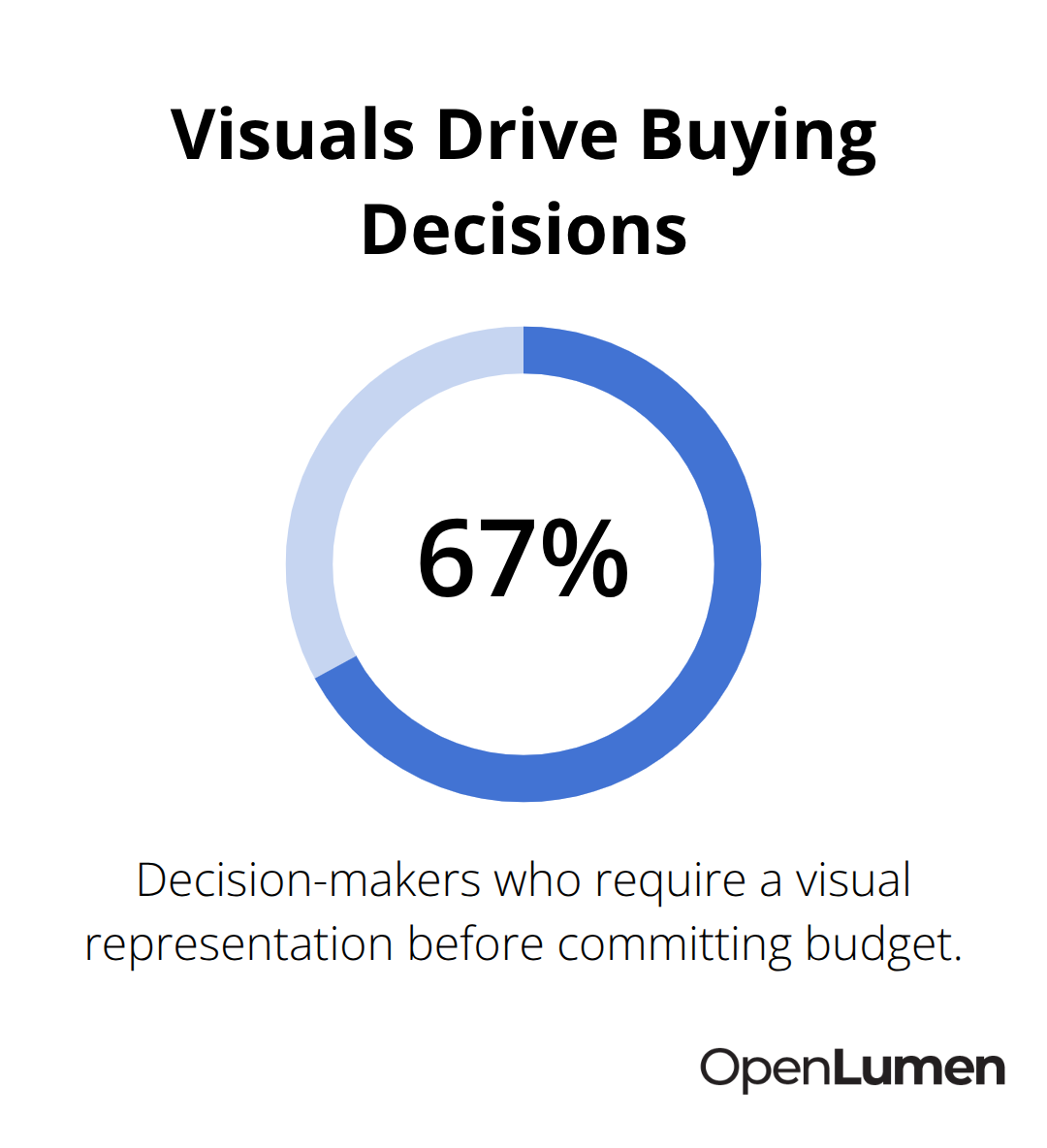
Clients reject lighting proposals for one reason: they cannot visualize what you are selling. A two-dimensional floor plan with fixture symbols and lumen numbers means nothing to someone who does not read technical drawings for a living. Research from the lighting industry shows that 67% of decision-makers need to see a visual representation before committing budget. Hand a prospect a CAD drawing or a spreadsheet of specifications, and you force them to imagine the result.
Most will not. They will ask for a cheaper competitor’s quote instead.
The gap between technical accuracy and client confidence
You can have perfect photometrics and correct fixture placement, but if the client cannot see it, the proposal sits in a drawer. Contractors who win consistently share one habit: they show what the space will actually look like when lit. This is not about pretty renderings for marketing. It is about showing exact fixture locations, illuminance levels across the floor or work surface, and how shadows and light distribution will behave in their specific room. When a client sees their own space-with their furniture, their dimensions, their layout-lit the way you designed it, objections disappear. The finance team approves it. The operations manager stops asking questions. The decision accelerates from weeks to days.
What separates winning proposals from rejected ones
Losing proposals share a pattern: they lack specificity. A proposal that states the space will receive 500 lux average illuminance without showing where that 500 lux lands fails. A proposal that lists fixture types without showing how they physically fit in the ceiling fails. A proposal without a clear view of how the lighting supports the client’s actual workflow fails. Winning proposals do the opposite. They show illuminance distribution across the exact surfaces that matter-the desk, the merchandise, the operating table. They show fixture placement in relation to real obstacles. They prove the design works for that client’s space, not a generic space. This specificity builds credibility and signals that you have done the work and understand their constraints.
Why visual clarity converts faster than specifications
Clients make decisions based on what they can see, not what they can read. A photorealistic render of their space with accurate fixture placement and lighting quality removes ambiguity. The finance team sees the investment justified. Operations staff see how the lighting supports their workflow. Decision-makers at all levels understand the proposal without translation. This visual approach (combined with clear illuminance data) compresses approval timelines significantly. Vague proposals create questions. Specific visual proposals create confidence. The next step is choosing the right tools and workflows to generate these layouts without adding weeks to your design process.
Show Your Clients Their Lit Space, Not a Floor Plan
Why renderings beat technical drawings every time
Renderings that show the actual space with real fixture placement and illuminance distribution convert prospects faster than any specification sheet. A photorealistic image of the client’s room-with their furniture, their dimensions, their layout-lit exactly as your design intends removes every excuse to delay. The finance team sees the investment. Operations staff see how light supports their workflow. Decision-makers at every level understand the proposal without needing to decode technical symbols.
This is not decoration; it is proof that your design solves their specific problem.
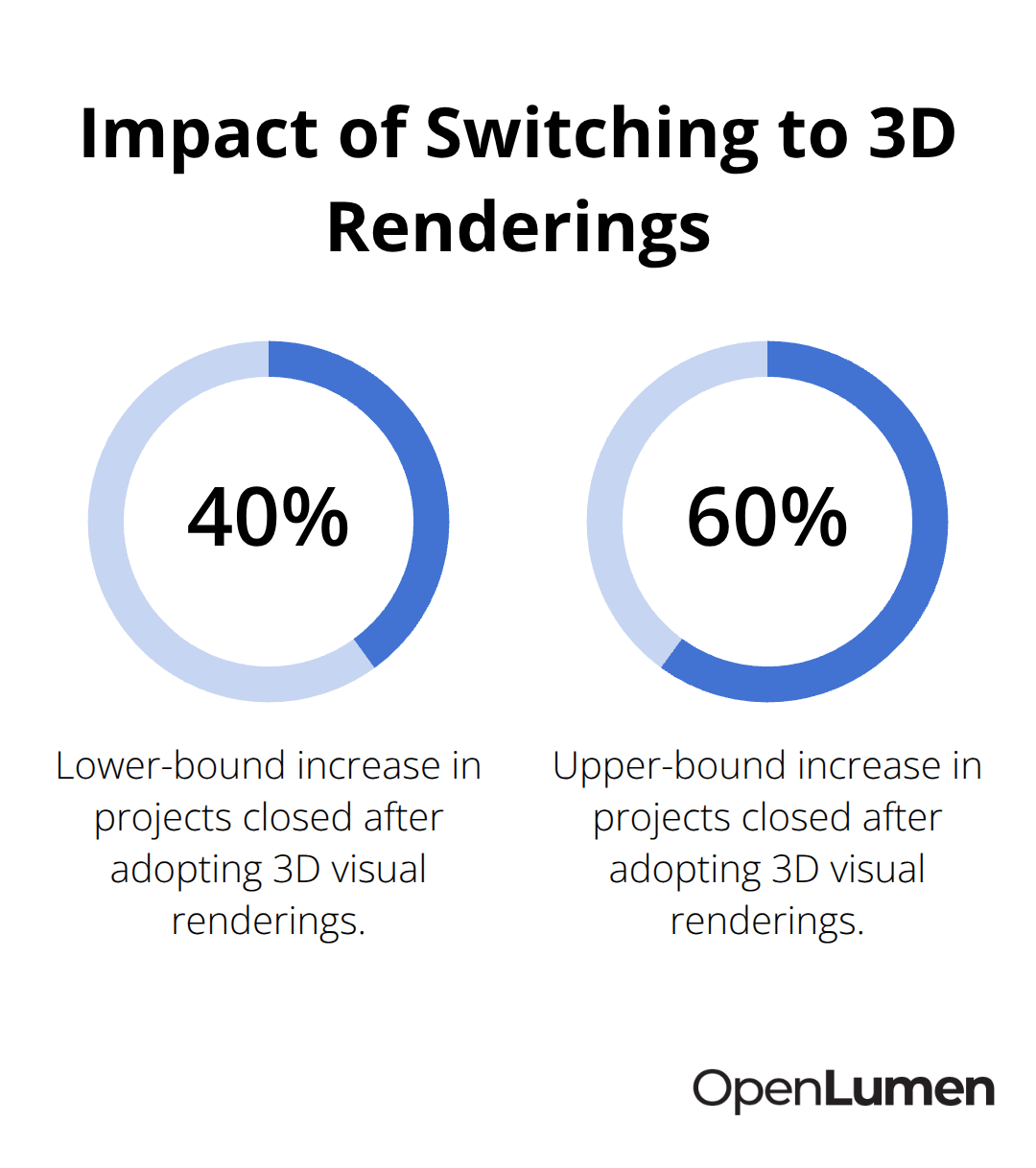
Contractors who shift from two-dimensional CAD layouts to three-dimensional visual renderings report closing 40-60% more projects in the same timeframe, simply because clients can evaluate the proposal without imagination or translation.
What your rendering must show
The rendering should display exact fixture locations in relation to real obstacles, show how light falls across work surfaces or merchandise displays, and reveal shadow patterns that matter to the client’s operations. Include illuminance levels directly on the visual-show 450 lux across the desk, 200 lux in circulation areas, 800 lux on the retail display-so numbers tie to what the client sees. This combination of visual clarity and photometric data eliminates the gap between your technical accuracy and the client’s confidence.
Speed up rendering without sacrificing quality
Software that generates these layouts quickly without months of training makes the difference between a competitive advantage and a time sink. Tools that let you place real luminaires from verified product libraries, run illuminance analysis instantly, and export professional renderings in hours instead of days accelerate your entire proposal workflow. The platform generates photometric reports showing coverage, uniformity, and fixture counts so clients see both the visual impact and the technical backbone of your design.
Build templates to close deals faster
Many contractors standardize their process by building layout templates for common space types-offices, retail showrooms, warehouses-then customizing them for each client’s dimensions and fixture preferences. This approach cuts proposal turnaround to 24-48 hours while maintaining the visual specificity that closes deals. The key is choosing software that outputs client-ready visuals and illuminance data without forcing you to become a rendering specialist.
Make your proposal look finished
Your proposal should land in the client’s inbox looking finished, not like a work-in-progress that needs interpretation. When clients see their space rendered with accurate lighting, they move from skepticism to commitment. The next step is establishing a design process that keeps proposals moving through approval without bottlenecks or revision cycles.
Software That Fits Your Timeline, Not The Other Way Around
The right tool eliminates friction from proposal generation without forcing you to choose between speed and quality. Most contractors waste time wrestling with software designed for lighting specialists, not salespeople. CAD programs require weeks of training. Rendering tools demand artistic skill. Photometric calculators spit out spreadsheets that clients ignore. What you need is a platform that handles fixture placement, illuminance analysis, and client-ready output in one workflow-fast enough that you can turn a rough sketch into a finished proposal within 24 hours.
Choose a platform built for speed, not complexity
Browser-based platforms that run photometric calculations instantly as you place fixtures eliminate the installation and licensing overhead that slows traditional software. You log in, place real luminaires from a community-verified library, watch illuminance distribution update in real time, and export professional reports with fixture schedules and equipment counts. No learning curve that eats three weeks. The speed matters because proposal turnaround directly impacts close rates. Contractors who respond with a visual proposal within 48 hours close 3.2 times more deals than those who take a week, according to sales research across B2B service industries. When a prospect sends a floor plan on Tuesday, they expect a professional layout by Wednesday. Delayed responses signal that you are either disorganized or overbooked-neither builds confidence.
Build templates to compress design time
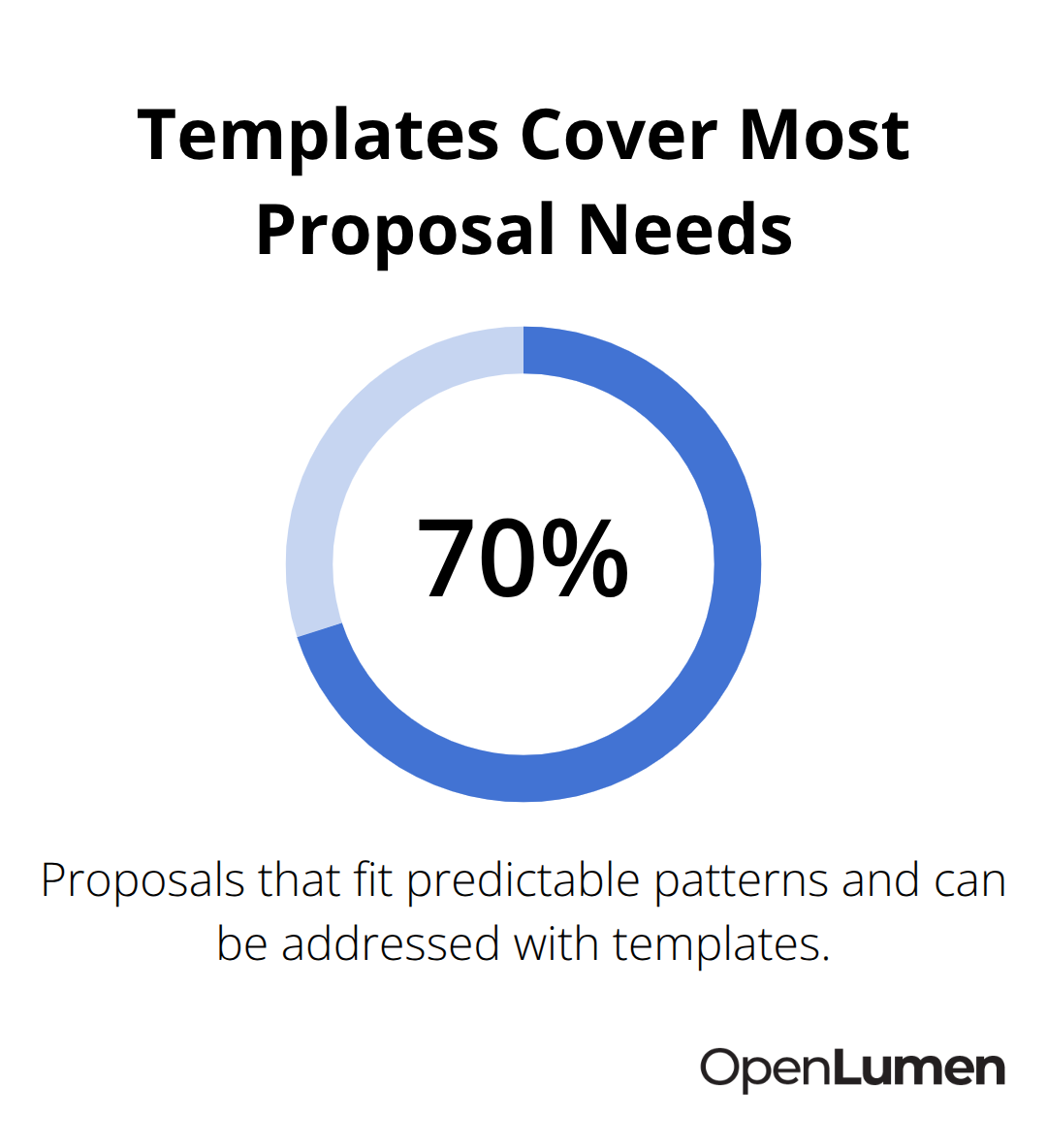
Contractors who standardize their process with templates for common space types-offices with desk-level illuminance targets, retail with merchandise display brightness, warehouses with aisle and storage zone requirements-compress proposal time to hours instead of days. Load the template, adjust dimensions to match the client’s space, swap fixture types if budget or aesthetic demands change, and export. This approach works because 70% of proposals fit predictable patterns. An office needs task lighting at 500 lux on work surfaces and 300 lux in circulation areas.
A retail showroom needs 800 lux on displays and 400 lux in aisles. A warehouse needs 300 lux at floor level with uniformity tight enough to prevent trip hazards. When these requirements are pre-built into templates, customization takes 30 minutes rather than 4 hours.
Verify your luminaire library for accuracy
A verified library means fixtures have accurate photometric data-polar charts, beam angles, color temperature options, and dimming characteristics that match real products. When your software pulls from a community-verified library, every fixture you place behaves exactly as it will on site. No surprises during installation. No client complaints that the delivered fixture looks different from the proposal. This accuracy compounds: correct photometrics mean correct illuminance predictions, which mean confident proposals that close faster and installations that meet expectations on the first try.
Final Thoughts
Proposal-ready lighting layouts close deals because they eliminate the gap between what you design and what clients visualize. When a prospect sees their actual space rendered with exact fixture placement and illuminance levels, they move from skepticism to commitment. The finance team approves it. Operations staff stop asking questions.
Speed matters equally. Prospects who receive a professional layout within 48 hours sign 3.2 times more often than those who wait a week. This competitive advantage comes from standardizing your design process with templates for common space types, then customizing them for each client’s dimensions and fixture preferences. What once took days now takes hours.
The tools you choose determine whether proposal generation accelerates your sales or becomes a bottleneck. Browser-based platforms that run photometric calculations instantly as you place fixtures eliminate the installation overhead and learning curves that slow traditional software. A community-verified luminaires library ensures every fixture you place has accurate photometric data, so your illuminance predictions match reality and installations meet expectations on the first try. OpenLumen streamlines this workflow so you can design, sell, and validate lighting faster and with confidence.
The information provided is for general educational purposes only and should not be considered professional engineering or lighting design advice. Always verify project requirements, local codes, and specifications with qualified professionals before making final decisions.