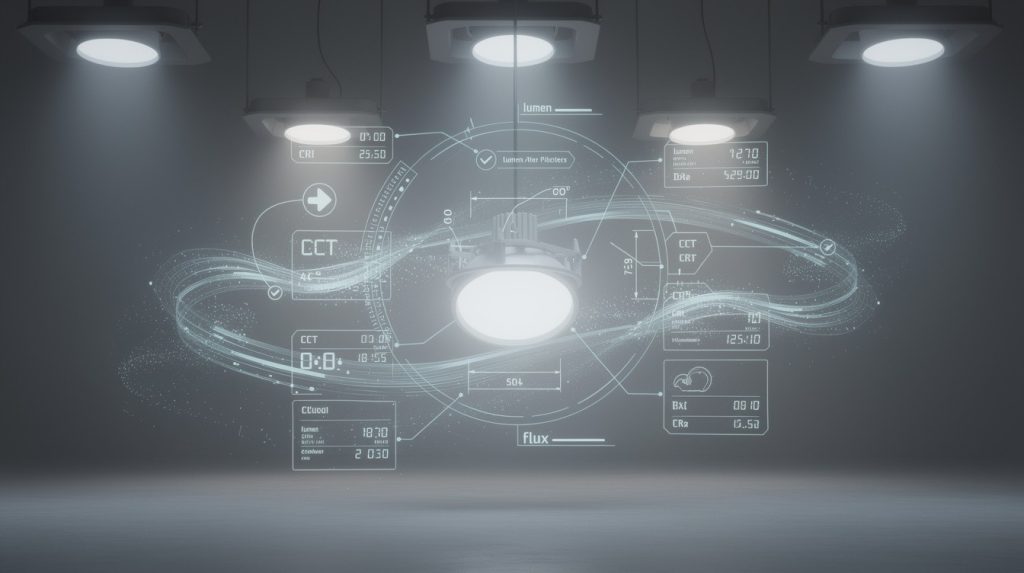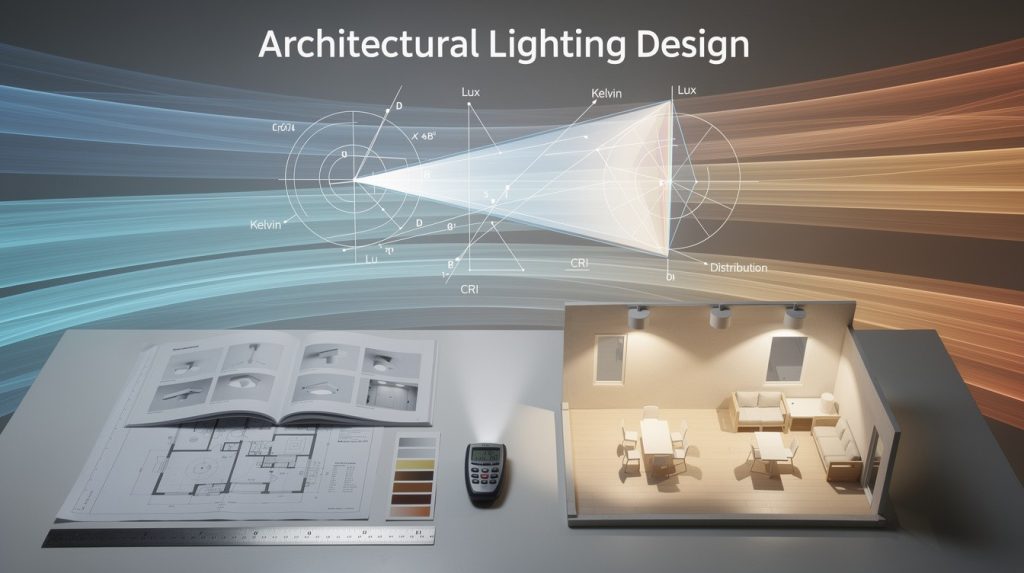
Lighting design used to require expensive software, powerful computers, and hours of setup time. A browser-based lighting platform changes that completely-you can now design, analyze, and report on projects from any device, anywhere.
At OpenLumen, we’ve seen contractors waste weeks on software installation and licensing headaches. Modern lighting projects demand speed and flexibility, and desktop tools simply can’t keep up with today’s workflow demands.
Why Browser-Based Lighting Design Beats Desktop Software
No Installation or Equipment Requirements
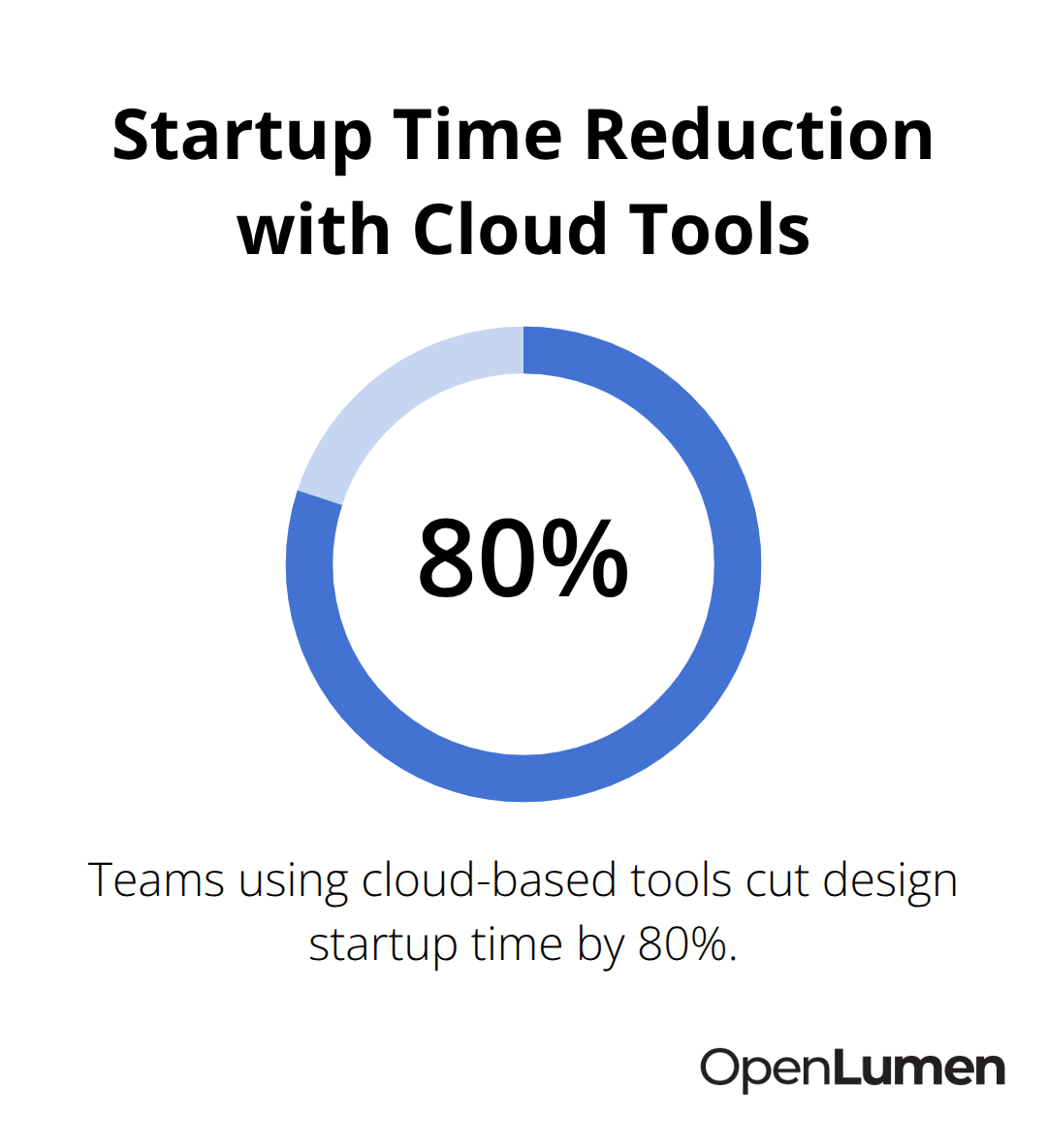
Desktop lighting software demands upfront investment and ongoing maintenance that drains contractor budgets. A typical desktop license costs $500 to $2,000 per user annually, plus hardware requirements, IT support, and update management. Browser-based platforms eliminate these friction points entirely. You start designing in roughly 30 seconds compared to 2 to 5 minutes on desktop software, which matters when you manage multiple projects daily. There’s no installation process, no compatibility issues between team members, and no version conflicts when someone opens a file created on a different computer. Teams using cloud-based tools report cutting their design startup time by 80 percent, which directly translates to faster client quotes and quicker project wins.
Mobile Access Changes Field-Based Work
Mobile access transforms how contractors work on-site. A contractor photographs a site on a tablet, inputs dimensions in minutes, and emails a photometric visualization to the client before leaving the property. Desktop software locks you to a desk. Browser platforms let you work from the job site, the client’s kitchen, or your truck, which means you don’t lose hours transferring notes and photos back to the office for processing.
Cost Comparison Favors Cloud Platforms
Cost comparison favors browser platforms decisively. Cloud-based annual subscriptions typically run $197 to $500 per user, while desktop licenses plus necessary hardware upgrades and IT overhead often exceed $3,000 per user in the first year. Real-time collaboration on browser platforms eliminates the email chains and file version confusion that plague desktop workflows. Multiple estimators work on the same layout simultaneously, see changes instantly, and resolve conflicts automatically. Desktop software forces you into sequential workflows where one person locks a file while others wait.
Instant Reporting and Professional Results
Professional reporting happens instantly on browser platforms. You run illuminance calculations in seconds, generate formatted reports with photometric data, and share branded proposals without manual formatting or external tools. Desktop workflows require exporting data, opening spreadsheets, and assembling PDFs manually-a process that stretches hours into days. Contractors and facility owners increasingly expect instant visualizations and data-backed designs. Browser platforms deliver this expectation without forcing you to choose between speed and professionalism.
The shift toward cloud-based design isn’t optional anymore; it’s competitive necessity. Understanding how to build your first photometric layout on a browser platform sets you up to move faster than contractors still relying on desktop tools.
Real-Time Analysis and Instant Reporting Features
Illuminance Calculations That Complete in Seconds
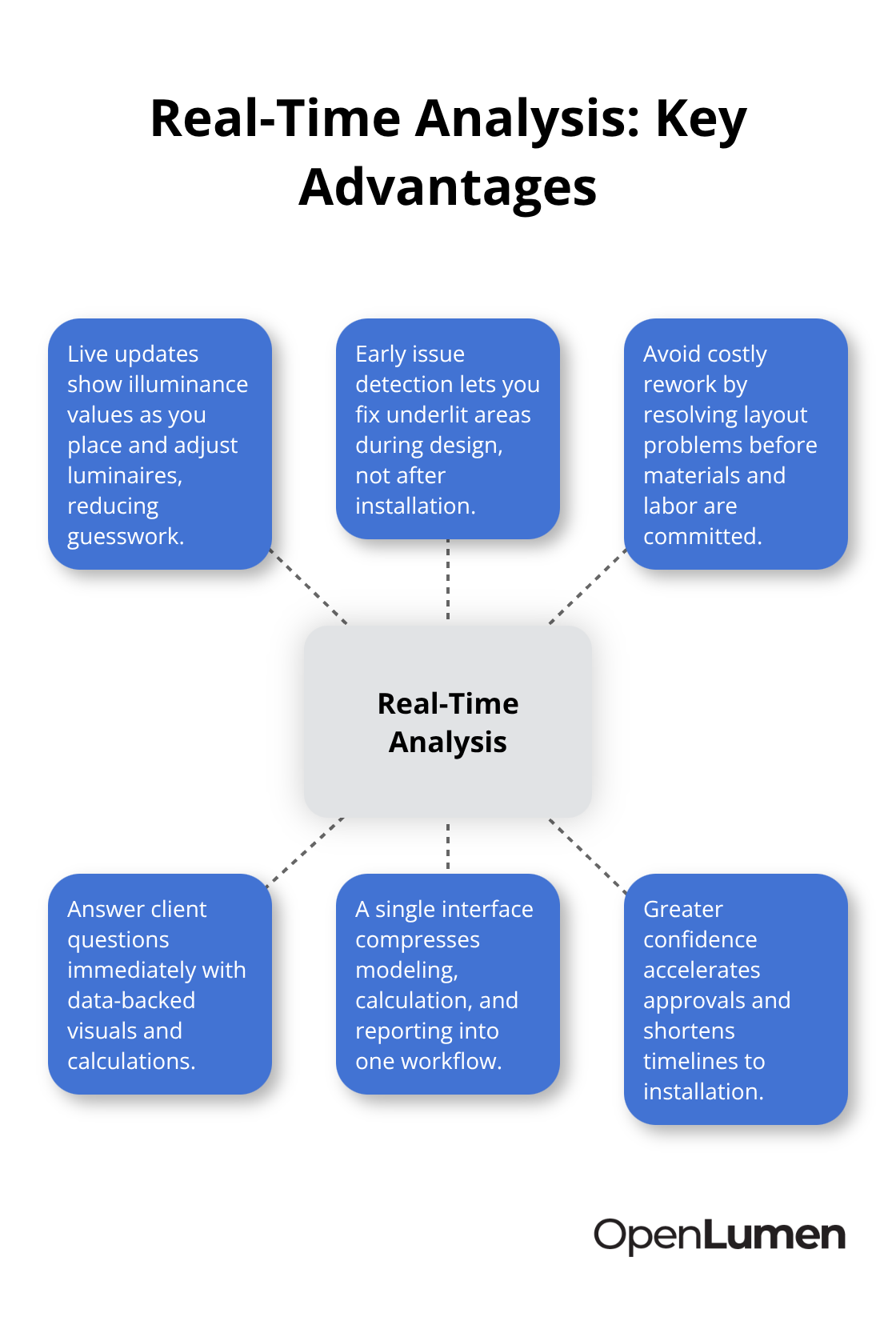
Illuminance calculations that used to require 15 to 30 minutes on desktop software now complete in seconds on browser-based platforms. This speed shift matters because contractors competing for jobs cannot afford to keep clients waiting for photometric data. When a facility manager asks how bright your proposed lighting will be at ground level or how the design performs across different zones, you need answers immediately, not tomorrow.
Real-time analysis eliminates the bottleneck where designers export models, run separate calculation software, wait for processing, then manually format results into reports. A browser platform compresses this entire workflow into a single interface. You place luminaires on a layout, adjust photometric parameters, and see illuminance values update live as you make changes. This instant feedback helps you catch design problems before presenting to clients. If a parking lot layout shows underlit corners, you spot it during the design phase and add fixtures, rather than discovering the issue after installation when changes cost thousands in labor and materials.
Generate Professional Reports Without Manual Work
Professional reports that once demanded hours of formatting now generate automatically. Desktop workflows require exporting illuminance grids, importing data into spreadsheets, creating charts, writing specifications, then assembling everything into a branded PDF. Browser platforms produce formatted reports with photometric tables, heatmaps, polar diagrams, and compliance summaries in one click.
The report includes luminaire specifications, zonal lumen data, BUG ratings for light trespass control, and calculated illuminance values across your design zones. Contractors report that automated reporting cuts proposal preparation time from 4 to 6 hours down to 15 to 20 minutes. For distributors managing multiple projects, this time savings compounds quickly. A distributor handling 20 projects monthly saves roughly 80 to 120 hours annually just on report generation. That labor capacity frees you to focus on design quality or client relationships instead of administrative tasks.
Access Photometric Data Instantly
The reports themselves carry more credibility because they include actual photometric calculations rather than estimates. Facility owners and architects increasingly demand data-backed designs that show compliance with industry standards like the Illuminating Engineering Society guidelines. Automated reports deliver this professional standard consistently, which strengthens your competitive position against contractors still assembling PDFs manually.
Instant access to photometric data (polar charts, zonal lumens, and BUG ratings) means you validate designs against performance requirements without waiting for external analysis. You confirm that your layout meets illuminance targets, controls light trespass, and delivers the visual comfort the project demands. This confidence translates directly into faster client approvals and shorter timelines from design to installation. With real-time calculations and automated reporting in place, the next step focuses on building your first photometric layout and learning how to work with community-verified luminaire libraries that accelerate your design process.
Getting Started With Browser-Based Lighting Design
Build Your First Photometric Layout in Minutes
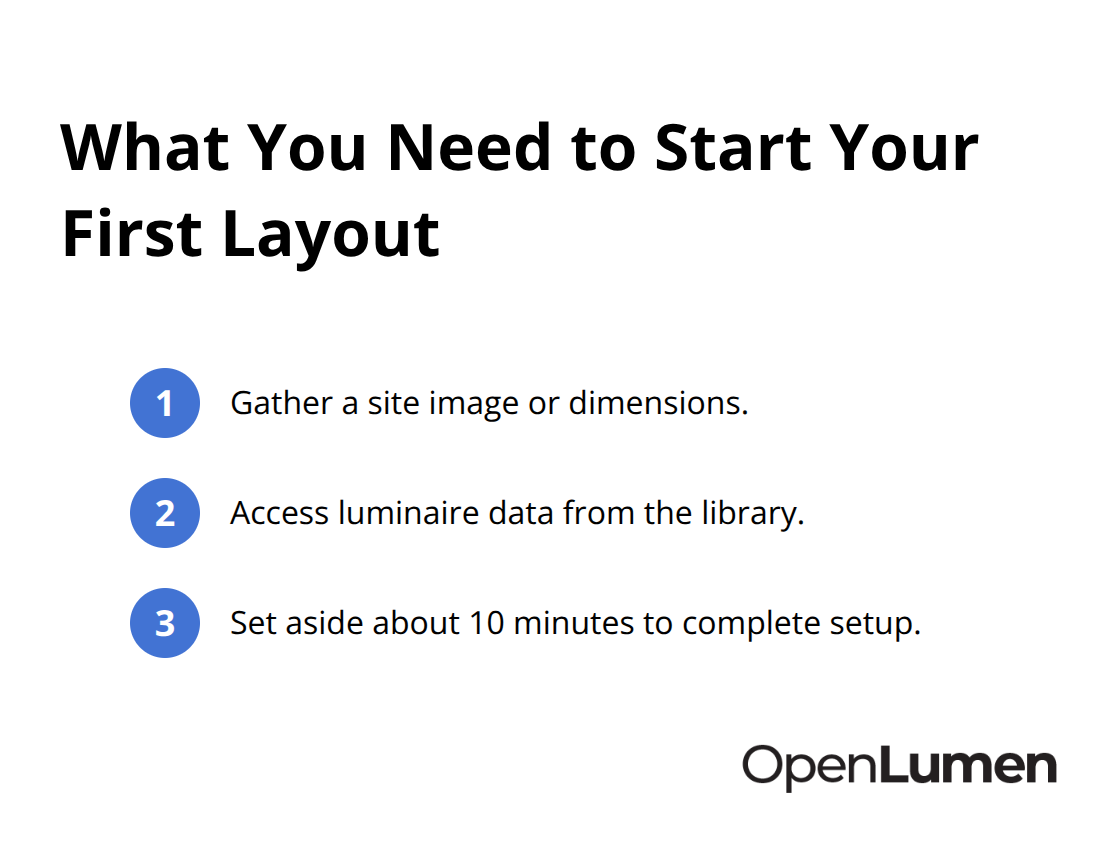
Starting your first photometric layout on a browser platform requires only three things: a site image or dimensions, access to luminaire data, and 10 minutes. Upload a photo or sketch of your space, then place fixtures directly onto the layout by dragging and positioning them where light needs to go. The platform calculates illuminance values in real time as you adjust each fixture, showing you exactly how bright each zone becomes and whether your design meets the facility’s requirements. This immediate feedback eliminates the guesswork that plagues traditional design workflows. You spot problems during the design phase, not after installation. A contractor working on a parking lot layout identifies underlit corners within minutes and adds fixtures to correct the issue before presenting to the client. Desktop workflows hide these problems until the calculation report arrives hours later, forcing expensive design revisions or worse, post-installation corrections.
Access Community-Verified Luminaires Instantly
Community-verified luminaires in a browser platform’s library accelerate your design speed dramatically because you don’t waste time hunting for photometric data across manufacturer websites. The library includes polar charts, zonal lumens, and BUG ratings already verified and formatted, so you select a fixture and start calculating immediately. This approach eliminates the manual data entry and cross-referencing that slows desktop workflows. You work with fixtures that have been tested and validated by other professionals, which means you trust the photometric values backing your calculations. When you select a luminaire, all its performance characteristics load instantly, and you can compare different fixtures side-by-side to find the best match for your project requirements.
Collaborate With Your Team in Real Time
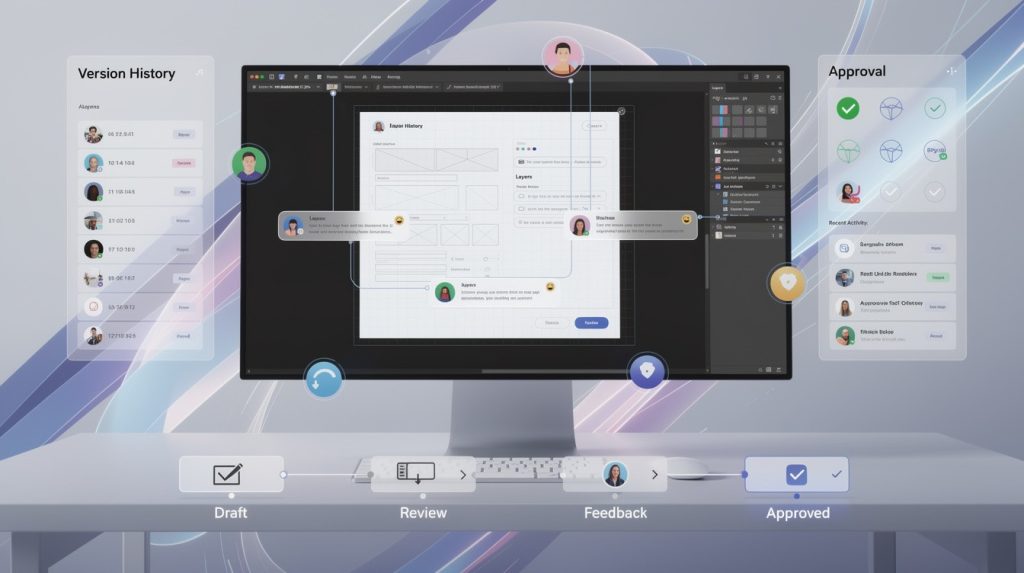
Real-time collaboration transforms how teams work together on the same layout. Multiple estimators open the same project simultaneously, place fixtures, adjust parameters, and see changes appear instantly on everyone’s screen without email delays or file-version confusion. A distributor managing five concurrent projects assigns one estimator to each layout, and they work in parallel without stepping on each other’s work. The platform tracks who made each change and when, so if a decision needs reversal, you know exactly what happened and restore the previous version in seconds. This collaborative speed matters because facility managers increasingly expect proposals within 24 hours of the site visit. Teams using browser-based platforms deliver this timeline consistently; contractors still exporting files and emailing attachments cannot.
Final Thoughts
Browser-based lighting platforms have fundamentally transformed how contractors, distributors, and facility owners approach projects. The speed advantages prove undeniable: you start designing in 30 seconds instead of 5 minutes, illuminance calculations complete instantly instead of taking hours, and automated reports replace days of manual formatting work. These improvements directly impact your ability to win jobs and deliver results faster than competitors still managing desktop software licenses and installation headaches.
Real-time collaboration means your team works together without email delays or file conflicts, while community-verified luminaires eliminate the hunt for photometric data across manufacturer websites. You validate designs against industry standards before presenting to clients and catch design problems during the planning phase, not after installation when corrections become expensive. Cost savings reinforce the shift toward cloud platforms-annual subscriptions typically run $197 to $500 per user, compared to $3,000+ per user when you factor in desktop licenses, hardware upgrades, and IT overhead.
Contractors and facility owners moving fastest have already adopted a browser-based lighting platform and present photometric visualizations on-site, generate proposals within hours, and close deals before competitors finish their desktop software startup sequence. OpenLumen offers a free way to experience this workflow firsthand with real-time illuminance analysis, professional report generation, and a community-verified luminaires library that accelerates your design process. Start with your next project and measure the difference in speed and confidence yourself.
The information provided is for general educational purposes only and should not be considered professional engineering or lighting design advice. Always verify project requirements, local codes, and specifications with qualified professionals before making final decisions.