Lighting designers and contractors face constant pressure to deliver photometric layouts faster without sacrificing quality. Every revision cycle costs time and money, and delays ripple through entire project schedules.
At OpenLumen, we’ve built tools specifically to compress design timelines. This guide shows you how to create fast photometric layouts in minutes instead of hours.
Why Speed Matters in Lighting Design
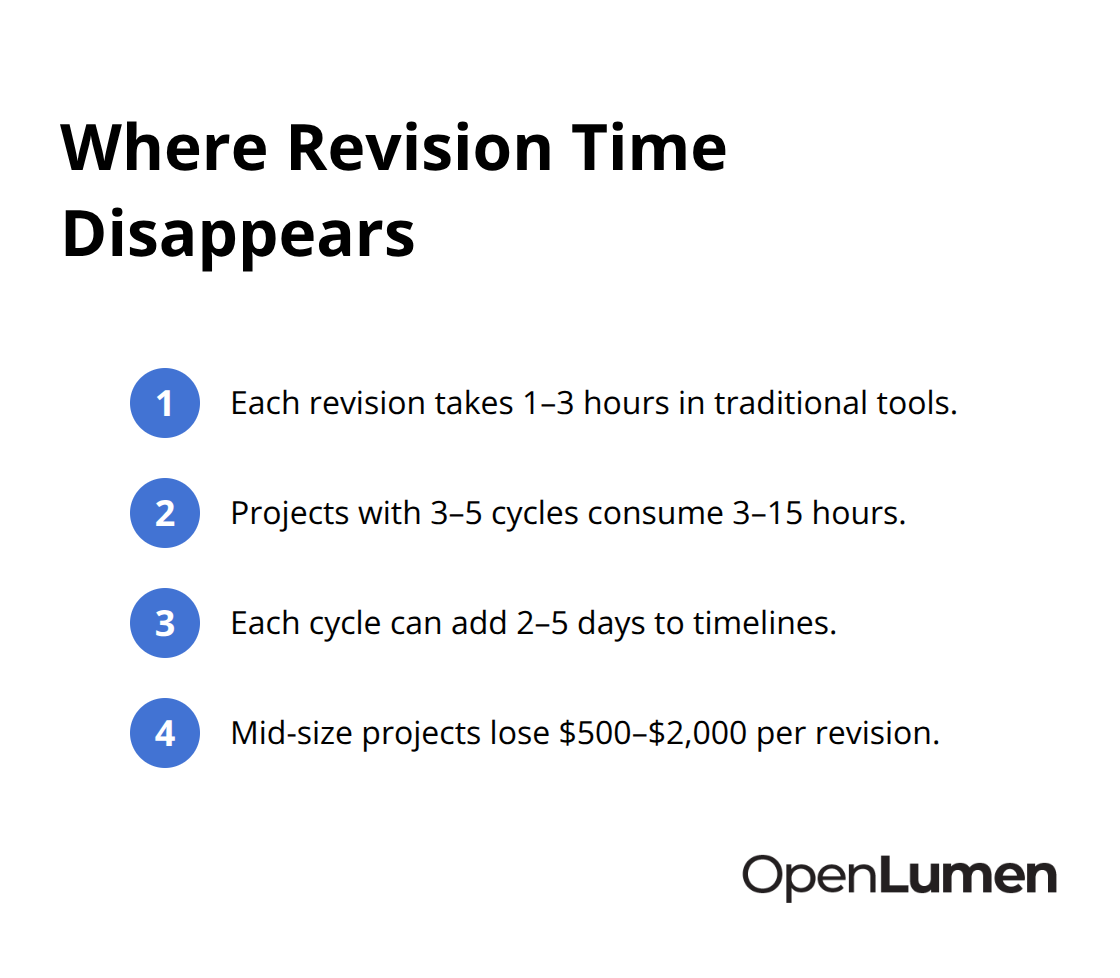
Construction schedules tolerate no delays. A photometric layout that takes days to produce stalls permit approvals, postpones procurement, and squeezes installation windows. In 2024, contractors report that design bottlenecks account for roughly 15–20% of project delays on outdoor lighting jobs. Each revision cycle-triggered by code questions, client feedback, or fixture availability-adds 2–5 days to the timeline. For a mid-size commercial project, that means $500–$2,000 in lost productivity per revision. Contractors and designers who produce layouts in hours instead of days win more bids and protect margins. Speed here isn’t about cutting corners; it’s about removing friction that adds no value. Manual fixture placement, spreadsheet calculations, and tool-switching waste time without improving the final design. A fast workflow keeps focus on what matters: meeting light levels, uniformity, and code compliance.
Revisions Drain Time and Money
A typical photometric revision in traditional software consumes 1–3 hours. The designer adjusts fixture spacing, recalculates, regenerates the report, and sends it back for approval. On a project with 3–5 revision cycles-common for complex outdoor or warehouse layouts-teams spend 3–15 hours re-running the same calculations. That time cannot be charged to the client, and it erodes profit on fixed-price contracts.
Real-time analysis tools cut revision time in half because changes show results instantly. No waiting for calculations. No re-exporting reports. Instant feedback lets you validate designs faster and catch problems before they reach the client.
Response Time Wins Deals
Distributors and contractors who deliver layouts in one day instead of one week gain a measurable edge in sales cycles. Faster turnaround means faster quotes, faster approvals, and faster orders. This advantage matters especially in competitive markets where response time influences buying decisions. Designers who adopt streamlined tools also reduce their cost per project, which either improves margins or enables competitive pricing that captures more work. The real advantage isn’t just speed-it’s the confidence that comes from validated designs. When you show a client a photometric layout with instant metrics like polar charts, BUG ratings, and zonal lumens, you eliminate guesswork and build trust.
These competitive wins depend on eliminating the common mistakes that slow down design work in the first place.
How to Build Layouts Without Wasting Hours
Choose the Right Software Foundation
The difference between a fast photometric workflow and a slow one starts with your software choice. Most designers still rely on desktop tools that require installation, licensing fees between $300 and $900 per year, and a steep learning curve. AGi32 remains the industry standard in the US, but its interface frustrates many users who find it clunky despite its depth. DIALux Evo offers a more modern interface and costs nothing, yet it still demands local installation and longer calculation cycles.
Browser-based platforms eliminate setup friction entirely. A cloud-based tool means you start designing in seconds, not hours-no installation, no license keys, no waiting for software to load. You open your browser, select fixtures, place them on your site plan, and see results in real time. This approach compresses what used to take 3–5 hours into 30–45 minutes for a typical outdoor or warehouse project.
Access Fixture Data Without Delays
The second lever is fixture data access. Most designers maintain scattered IES files across folders or request them from manufacturers during the design phase, which adds 1–2 days to every project. A community-verified luminaires library eliminates this bottleneck entirely.
When your tool includes hundreds of real fixture files already loaded and organized by type, distribution, and manufacturer, you skip the file hunt and start designing immediately. You select from verified fixtures, confirm specifications upfront, and avoid surprises during procurement. This library approach removes a major source of project delays and keeps your workflow moving forward without interruption.
Validate Designs in Real Time
Real-time analysis accelerates validation further. Traditional software requires you to complete a layout, run calculations, wait for results, then adjust and recalculate. Real-time platforms show foot-candle values, uniformity ratios, polar charts, and BUG ratings as you place each fixture.
This instant feedback lets you catch problems before they’re baked into a report. A designer testing three different mounting heights or fixture spacings can compare options in minutes instead of hours. This speed doesn’t compromise accuracy; it simply removes the delay between decision and feedback. Contractors and distributors who adopt these tools report cutting layout time in half while improving design confidence.
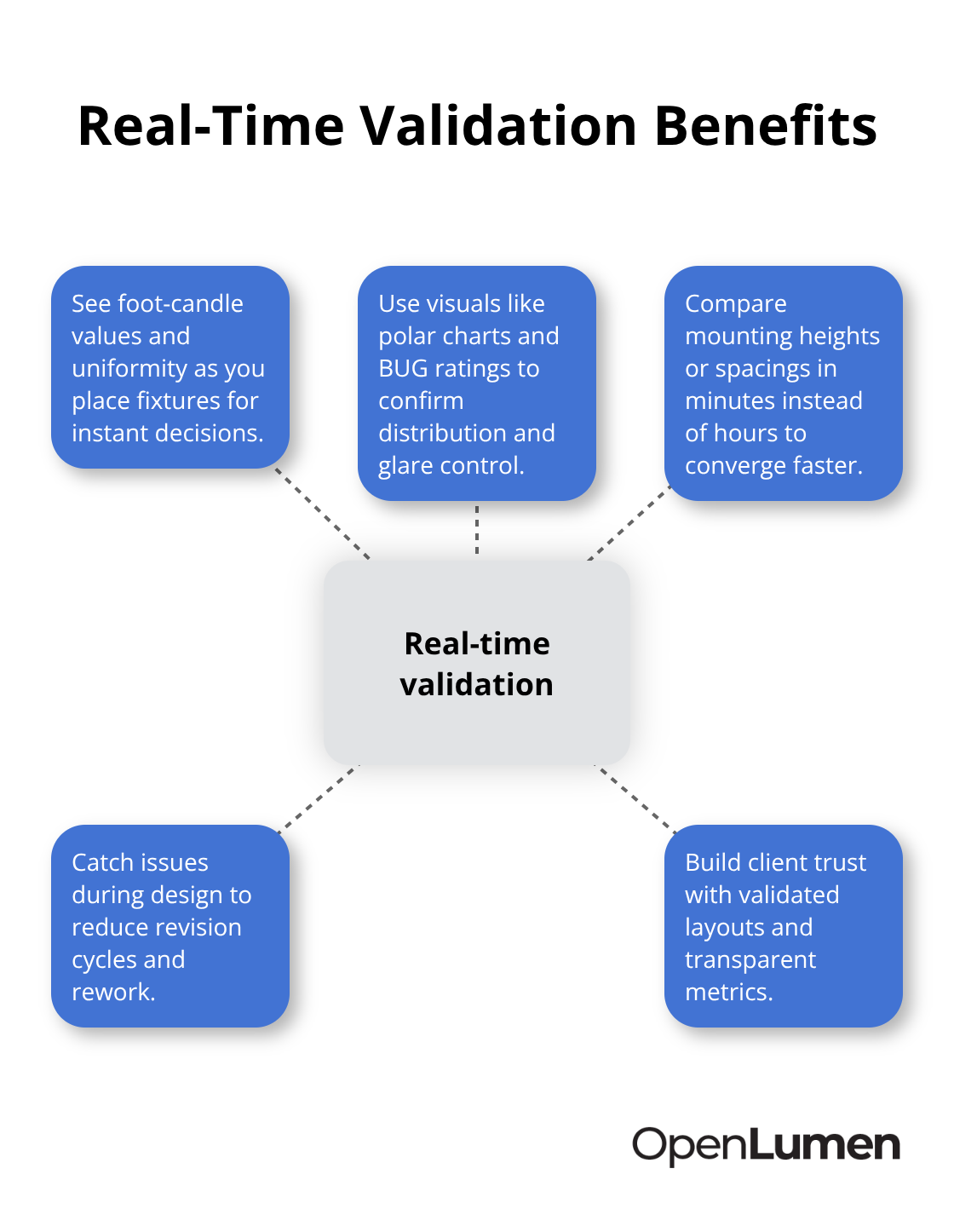
The payoff isn’t just faster delivery-it’s fewer revision cycles because validation happens during design, not after client review. Once you’ve validated your approach with real-time metrics, you move forward to the mistakes that still slow down many teams.
What Slows Down Your Design Process
Unclear Project Parameters Waste Hours
Designers often blame software for slow layouts, but the real bottleneck happens earlier. Projects that lack clear parameters force designers to make assumptions, change direction mid-design, and restart calculations multiple times. A warehouse project without specified mounting height, target foot-candles, or uniformity requirements wastes 2–4 hours on back-and-forth emails before design work even starts.
The solution is straightforward: collect project details upfront. Before opening any software, confirm the site dimensions, mounting height or pole locations, target light levels based on the space type, any code requirements, fixture preferences, and sensitivity to light trespass or glare. This 15-minute conversation prevents days of rework.
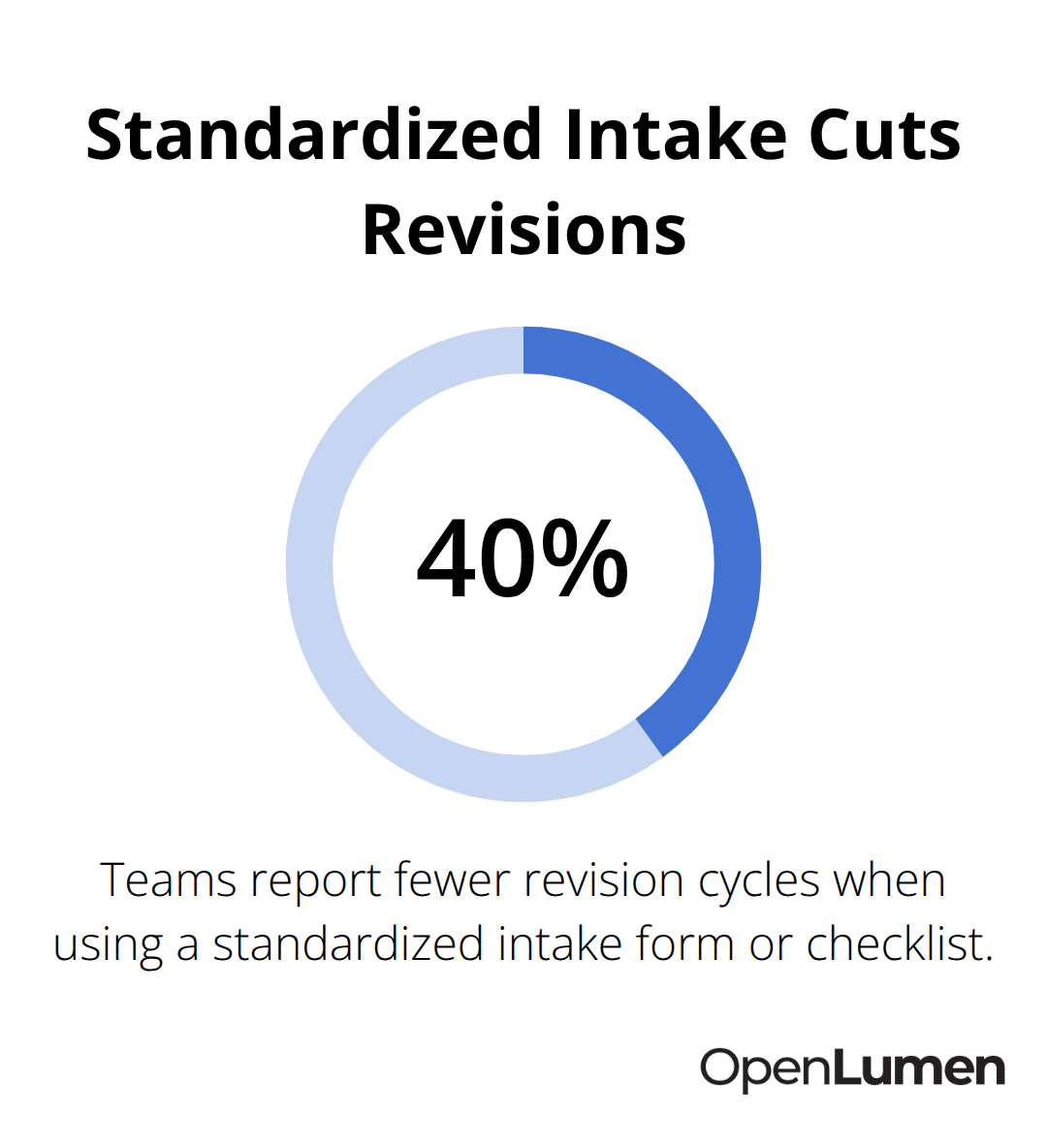
Contractors who use a standardized intake form or checklist for every project report cutting revision cycles by 40%. The form forces clients to answer specific questions about the site, goals, and constraints before the designer touches a layout. This clarity eliminates vague feedback like the design is too bright or too dim. Instead, clients confirm upfront whether they need 30 foot-candles or 50 foot-candles, which anchors the entire design.
Tool Fragmentation Creates Errors and Delays
The second mistake is tool fragmentation. Many designers juggle multiple software platforms: one for initial layouts, another for calculations, a third for report generation, and spreadsheets to track fixtures and costs. Switching between tools introduces errors, wastes time copying data, and creates inconsistencies between versions.
A designer working in AGi32 exports results to Excel, then imports the fixture list into a quoting system, and finally copies polar charts into a PowerPoint presentation. Each handoff risks mistakes and consumes 30–60 minutes per project. Unified platforms eliminate this friction by combining layout, analysis, and reporting in one workspace. A designer places fixtures, sees instant foot-candle and uniformity results, generates a professional PDF report, and exports a fixture schedule-all without leaving the platform. This unified approach removes the context-switching that drains focus and introduces errors.
Validation After Design Triggers Costly Revisions
The third mistake is treating validation as an afterthought. Many teams complete a layout, send it to the client, and only then discover the design fails code requirements or creates unwanted glare at a neighbor’s property line. This forces a full redesign and delays the project by 5–10 days.
Validation must happen during design, not after. Real-time analysis tools show whether a layout meets code, uniformity, and glare targets as you work. A designer can test three different fixture spacings in 15 minutes and see which one meets the client’s requirements without revision cycles. Early feedback from clients also prevents wasted design work. A 10-minute call where you show a preliminary layout and ask for feedback beats sending a polished report that misses the mark. Teams that validate early and often report reducing revision cycles from 3–5 rounds down to 1–2, cutting weeks off project timelines.
Final Thoughts
Speed and quality reinforce each other in photometric design. When you eliminate friction from your workflow, you gain time to validate designs properly, catch problems early, and refine layouts before clients see them. Fast photometric layouts aren’t rushed layouts; they’re focused layouts built on clear parameters, the right tools, and real-time feedback that keeps you moving forward.
Desktop tools with installation requirements, scattered IES files, and manual calculation cycles waste hours that could go toward better designs or more projects. Teams that still accept slow software as inevitable lose competitive ground to designers who’ve moved to platforms that remove this friction entirely. A browser-based tool with a community-verified luminaires library and instant analysis means you start designing in seconds, validate in real time, and generate professional reports without leaving your workspace.
OpenLumen combines layout tools, real-time illuminance analysis, and professional reporting in one workspace designed for speed. The community-verified luminaires library eliminates the file hunt, and instant metrics like polar charts, BUG ratings, and zonal lumens let you validate designs as you work. Contractors, distributors, and designers use it to compress what used to take hours into minutes.
The information provided is for general educational purposes only and should not be considered professional engineering or lighting design advice. Always verify project requirements, local codes, and specifications with qualified professionals before making final decisions.