Lighting design mistakes happen more often than you’d think, and they cost businesses real money in wasted energy and poor performance.
At OpenLumen, we’ve seen how the wrong fixture placement, inadequate illuminance levels, or mismatched color temperature can tank productivity and safety in commercial spaces. This post walks through concrete examples of these failures and shows you exactly how to avoid them.
The Three Mistakes Costing You Money Right Now
Mistake One: Installing Fixtures Without Task-Specific Illuminance
Most commercial lighting failures trace back to three avoidable errors that repeat across retail, office, and industrial spaces. The first mistake is installing fixtures without checking illuminance requirements for the specific task. A retail space selling jewelry needs 500–750 lux on display surfaces, but many facilities default to uniform 300-lux layouts that make products look dull and uninviting. Offices with computer work require different light levels than spaces with detailed assembly tasks, yet designers often apply a single standard across the entire building.
Mistake Two: Poor Fixture Spacing and Placement
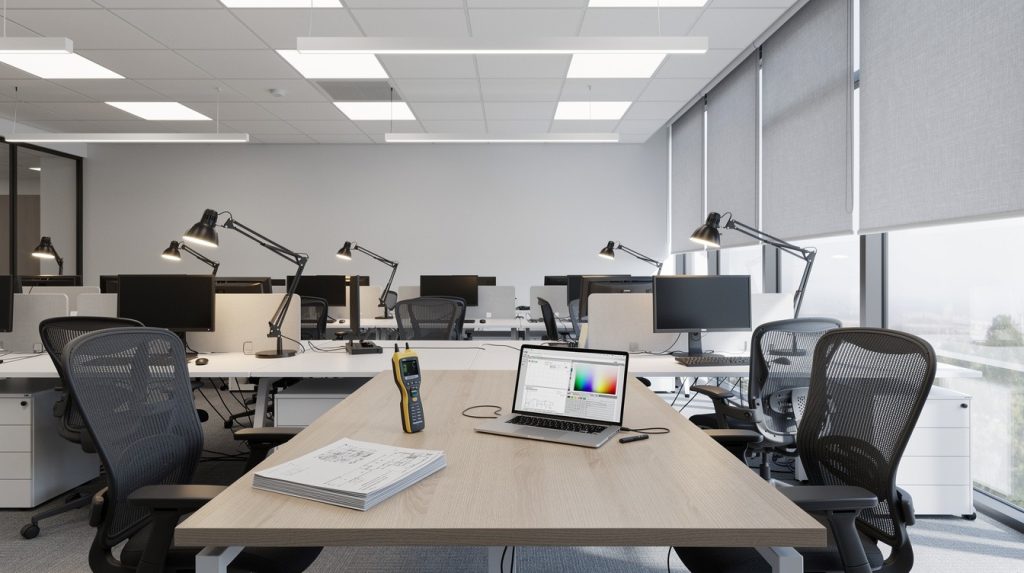
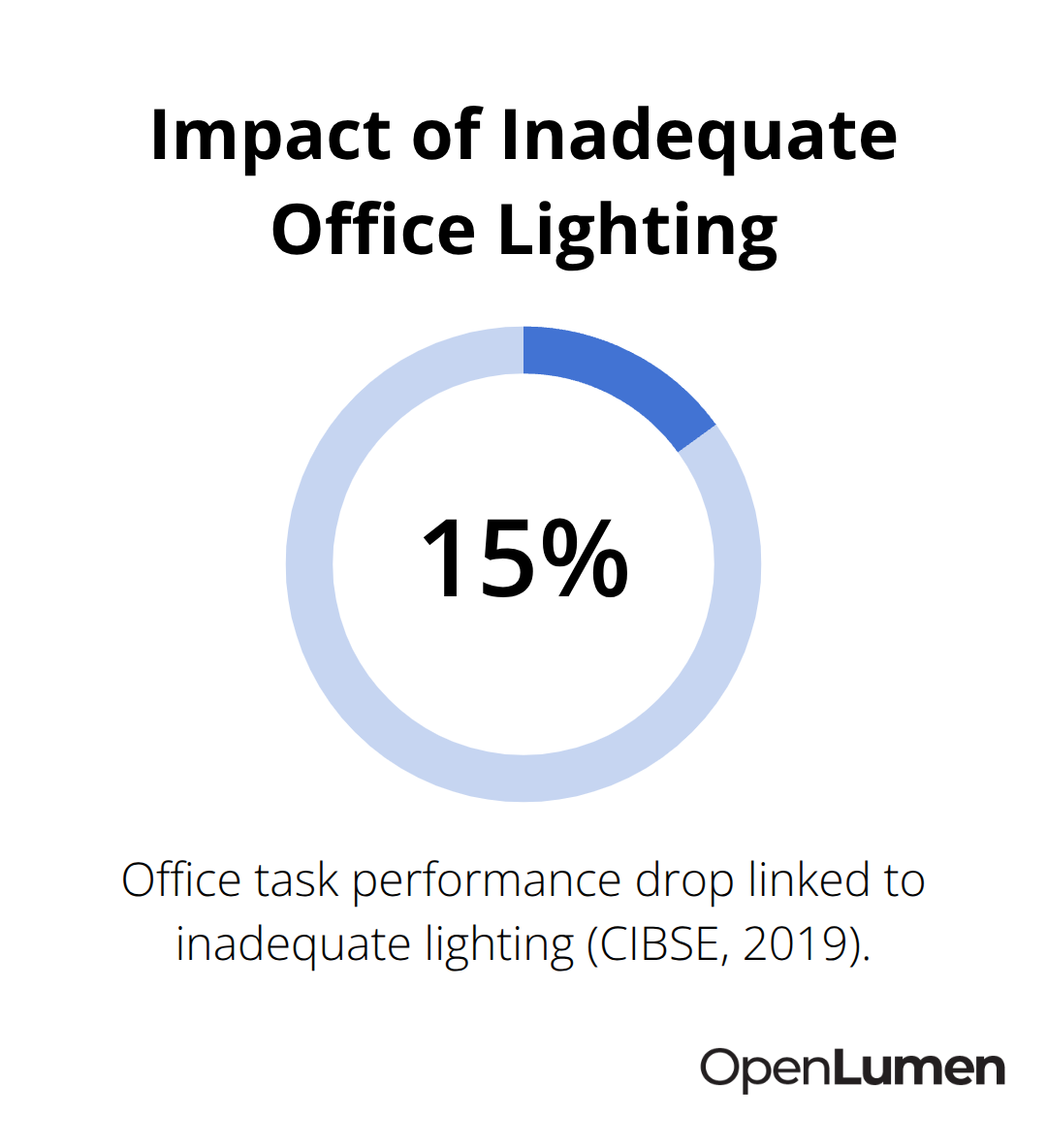
The second error is poor fixture spacing and placement that creates dark zones, hot spots, or glare. When fixtures are spaced too far apart or mounted at the wrong height, you get shadowed corners and uneven coverage that forces workers to adjust their posture or squint, reducing productivity. A 2019 study from the Chartered Institution of Building Services Engineers found that inadequate lighting in offices correlates with a 15% drop in task performance and increased eye fatigue complaints.
Mistake Three: Neglecting Color Temperature and Color Rendering
The third mistake is neglecting color temperature and color rendering index in spaces where it matters most. Installing 5000K cool-white LEDs in a retail clothing store makes fabrics appear washed out and unnatural, which directly impacts purchase decisions. Similarly, a 4100K fixture in a medical facility or food preparation area where color accuracy is critical can compromise both safety and customer perception.
How to Fix These Mistakes Before Installation
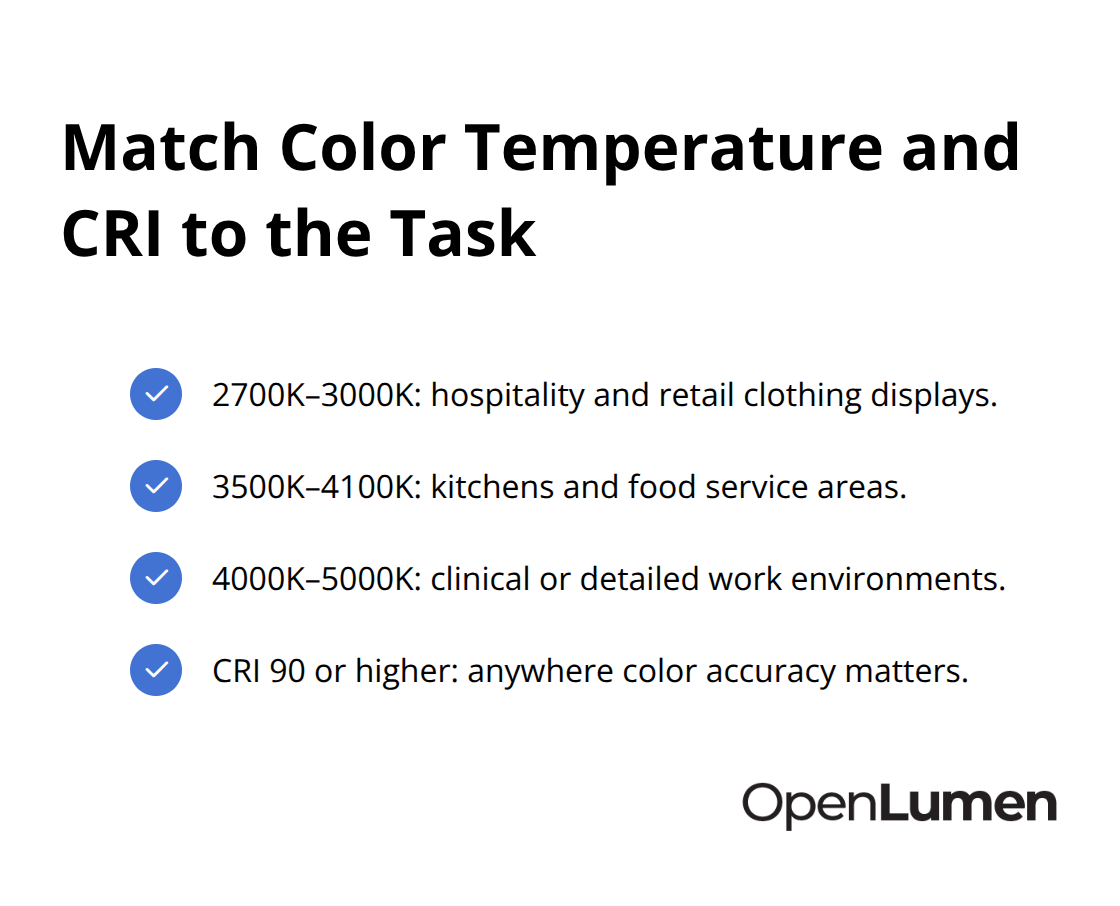
These three mistakes are fixable before installation, but they’re expensive to correct afterward. The solution starts with understanding your space’s actual requirements rather than applying generic standards. Different activities demand different illuminance levels: a warehouse picking area needs 300 lux, but a quality inspection station in that same warehouse requires 500–750 lux. Color temperature should match the environment’s purpose-2700K to 3000K for hospitality and retail clothing, 3500K to 4100K for kitchens and food service, and 4000K to 5000K for clinical or detailed work environments. Color rendering index should be 90 or higher anywhere color accuracy matters, whether that’s a gallery, a grocery produce section, or a dental office.
Validate Your Design With Real Data
The fastest way to validate these choices before spending money is to map your space with real illuminance data and test fixture positions with actual photometric measurements. This prevents the costly cycle of installing fixtures, discovering they don’t meet requirements, and retrofitting later. Once you understand what your space actually needs, you can move forward with confidence-and that confidence comes from testing your design against real-world conditions before a single fixture goes into the ceiling.
Where Lighting Design Failures Show Up Most
Retail Spaces Lose Sales When Fixtures Don’t Match Products
Retail spaces with poor fixture selection lose sales because products fail to attract customers. A clothing retailer installing 5000K cool-white fixtures sees fabrics appear gray and lifeless on the rack, which directly suppresses purchase intent. Jewelry stores often default to 300-lux uniform layouts when display cases need 500–750 lux to make stones sparkle and catch the eye. The result is inventory that looks uninviting under inadequate light, forcing staff to compensate by directing customers to better-lit areas or moving products around the store.
One electrical distributor reported that after switching a mid-size clothing boutique from 4100K to 3000K LEDs paired with focused task lighting on display tables, the client reported increased customer dwell time and higher transaction values within the first month. The fix was simple-correct color temperature and targeted illuminance-but the missed opportunity cost real revenue until the problem was addressed.
Office Environments Create Eye Strain and Reduce Productivity
Office environments suffer different consequences. Workers in spaces lit only by overhead fixtures at 300 lux experience eye strain within two hours, particularly when screen work is involved. The Chartered Institution of Building Services Engineers documented that inadequate lighting in offices correlates with a 15% drop in task performance, but the real cost appears in employee complaints, reduced focus, and increased errors in detail work.
Conference rooms flooded with full-brightness overhead light at 500+ lux cause glare on screens and washout on whiteboards, making presentations harder to follow. These conditions force workers to squint and adjust their position, which compounds fatigue and reduces engagement during critical meetings.
Warehouse Operations Expose Safety Risks in Dark Zones
Warehouse operations reveal the safety dimension of poor design. Picking zones lit uniformly at 300 lux leave inspection stations dangerously shadowed when workers need 500–750 lux to spot defects or verify shipment accuracy. Dark corners and uneven coverage force workers to adjust their position or angle toward better-lit areas, creating awkward posture and fatigue.
A food distribution facility had installed fixtures on a standard 12-foot grid without accounting for aisle width or rack height. Workers consistently missed damaged goods during quality checks because inspection areas fell into shadow zones between fixtures-a problem that only became visible during an actual illuminance walk-through with a light meter. This oversight created both safety and financial risk, as undetected damage led to customer complaints and returns.
These real-world failures share one common thread: designers applied generic standards instead of analyzing what each specific task actually required. The next section shows exactly how to prevent these costly mistakes before installation begins.
How to Validate Your Design Before Installation
The difference between a lighting design that works and one that fails comes down to validation before the first fixture goes into the ceiling. Generic standards fail because they ignore what your specific space actually needs. A retail jewelry counter demands 500–750 lux on display surfaces, but a nearby stockroom needs only 200–300 lux.
An office with screen-based work requires different fixture placement than one with detailed assembly tasks. Test your design against real illuminance data and actual photometric performance to know if it will deliver the right light in the right place.
Pull Photometric Data Before You Order
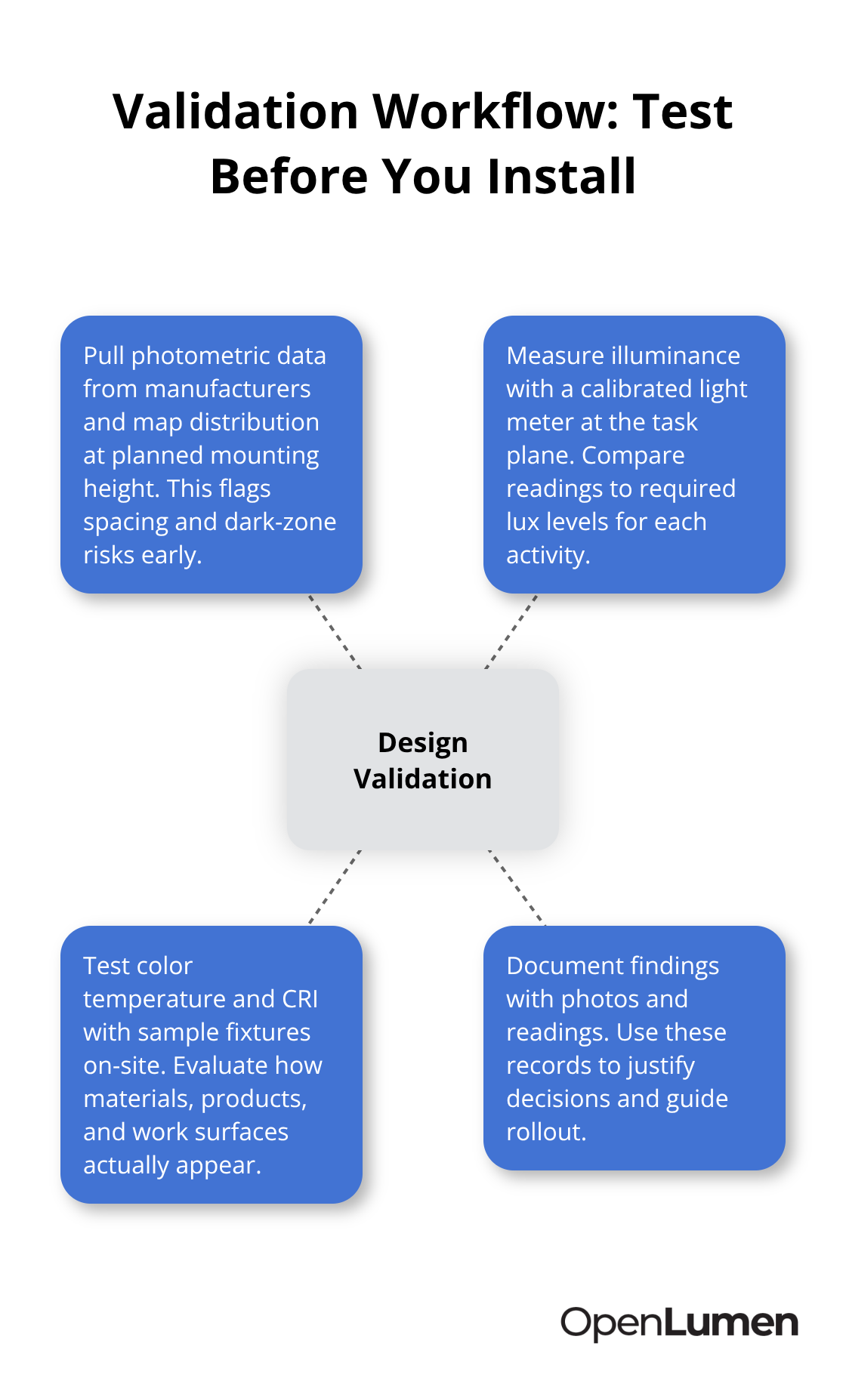
Start with photometric analysis of your fixture choices before you order anything. Pull the polar charts and zonal lumen data from your fixture manufacturer, then map how light distributes across your space at the planned mounting height and spacing. This step catches placement errors early. A warehouse designer might discover that fixtures spaced on a 12-foot grid create dark zones between aisles when inspection stations need 500–750 lux but receive only 250 lux in shadow areas. Testing photometric data prevents this costly mistake before installation.
Measure Real Illuminance Levels in Your Space
Once you have the polar data, measure actual illuminance in your space to validate your layout. Walk your space with a calibrated light meter and record lux levels at the task plane-countertops, desks, inspection stations, or display surfaces. Compare your measurements against industry standards: the Illuminating Engineering Society publishes specific illuminance requirements for different tasks, and most commercial applications fall between 300–750 lux depending on activity. If your measurements show dark zones or uneven coverage, adjust fixture spacing or add supplemental task lighting before committing to the design.
Test Color Temperature and CRI Under Your Fixtures
Color temperature and color rendering index require testing in your actual space under your actual fixtures, not under different lighting conditions elsewhere. Install sample fixtures or request temporary loan units from your distributor, then evaluate how products, materials, or work surfaces appear under that specific light. A clothing retailer testing 3000K versus 4100K fixtures will see a dramatic difference in how fabrics appear on the rack. A food service operation testing a 90 CRI fixture against a lower-CRI option will spot color shifts that affect product appeal and safety checks. This real-world testing takes a few hours but prevents months of regret after installation.
Document Your Testing With Data and Photos
If your space is large or complex, document your testing with photographs and illuminance readings so you have a record of what worked before full-scale rollout. Many contractors skip this validation step to save time, but the cost of retrofitting poor designs far exceeds the cost of testing beforehand. Your confidence in the design should rest on measured data, not assumptions. A browser-based platform like OpenLumen lets you create photometric layouts and run real-time illuminance analysis without expensive software, which streamlines the validation process and helps teams design, sell, and validate lighting faster.
Final Thoughts
Lighting design mistakes examples reveal a consistent pattern: designers skip validation and apply generic standards instead of testing against actual space requirements. The three core errors-ignoring task-specific illuminance, poor fixture placement, and neglecting color temperature and CRI-repeat across retail, office, and warehouse environments because they’re straightforward to overlook during planning. Yet they’re equally straightforward to prevent if you measure before you install.
Validation costs far less than retrofitting a failed design. A few hours with a light meter and photometric data catches placement errors, dark zones, and color mismatches before fixtures go into the ceiling. Real-world testing with sample fixtures shows how products or work surfaces actually appear under your chosen light, not how you imagine they’ll look. Documentation of your testing creates a record that protects your design decisions and gives your team confidence moving forward.
A retail space with correct illuminance and color temperature drives sales. An office with properly distributed light reduces eye strain and boosts productivity. A warehouse with even coverage and adequate task lighting prevents safety hazards and quality failures. These outcomes result from testing your design against real conditions before commitment, and tools like OpenLumen streamline this validation process by letting you create photometric layouts and run real-time illuminance analysis without expensive software.
The information provided is for general educational purposes only and should not be considered professional engineering or lighting design advice. Always verify project requirements, local codes, and specifications with qualified professionals before making final decisions.